AI Video
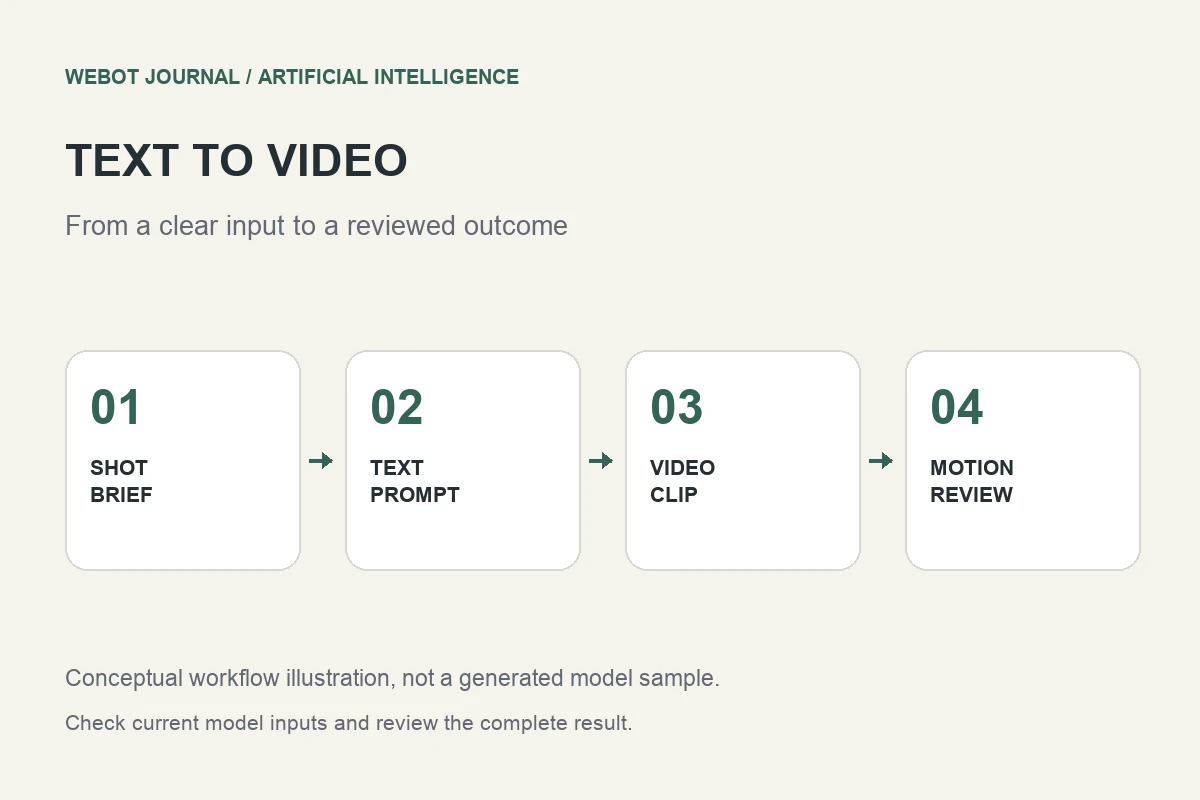
Text to Video AI: Plan and Review a Product Clip
Learn text to video AI through shot planning, prompt examples, model controls, motion review, editing and a practical product video workflow.
Read the guideAI models and practical workflows
Video generation, input preparation, motion and continuity review.
Search article titles, descriptions and section headings.
Matching topics:
No topics match these filters.
AI Video
Learn text to video AI through shot planning, prompt examples, model controls, motion review, editing and a practical product video workflow.
Read the guideAI Video
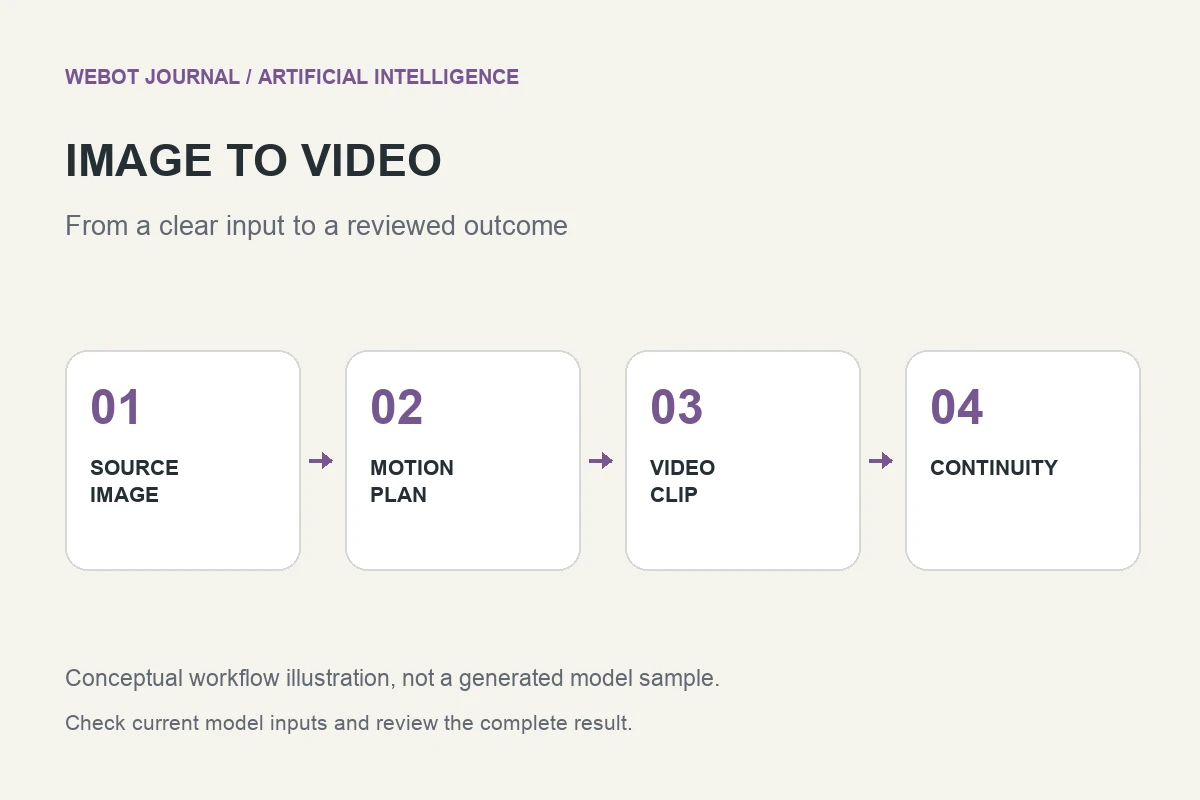
Turn a still image into a useful AI video: prepare the source, design movement, preserve subject identity and review the complete generated clip.
Read the guideAI Video
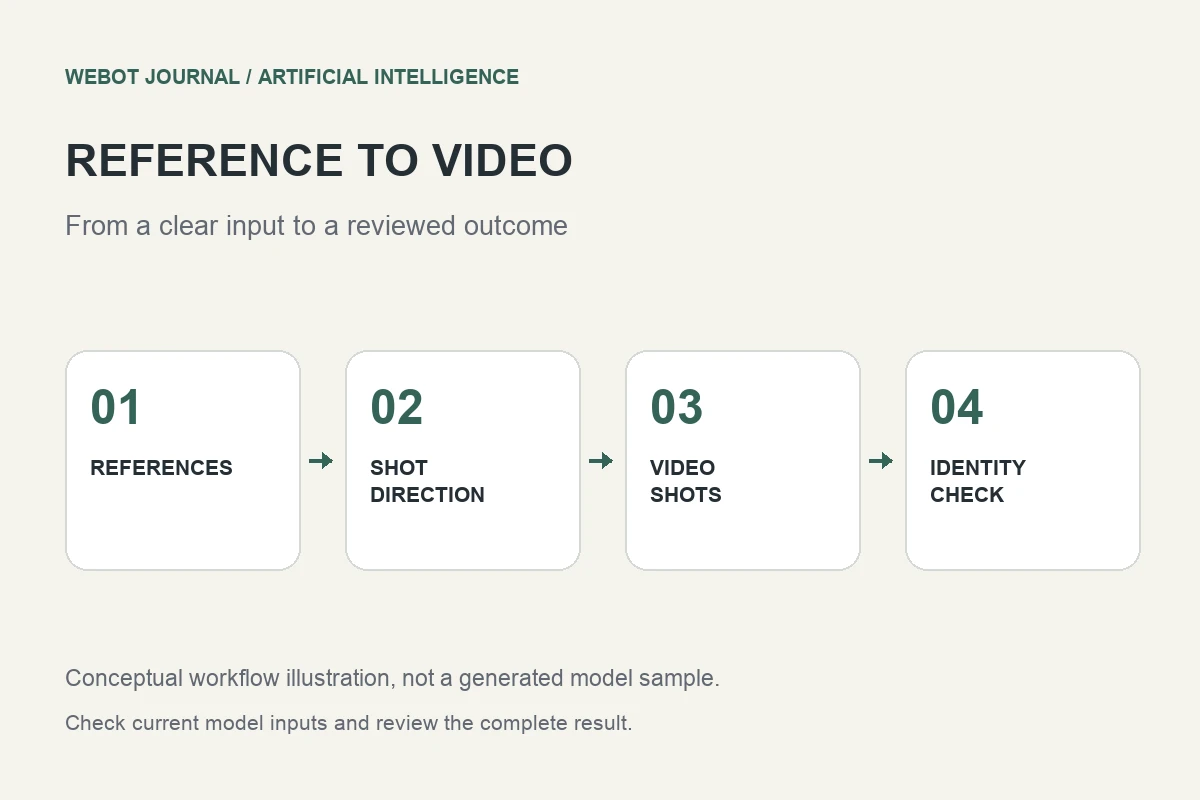
Learn reference image to video workflows, reference selection, subject consistency, shot briefs and practical checks for multi-shot AI video.
Read the guideAI Video
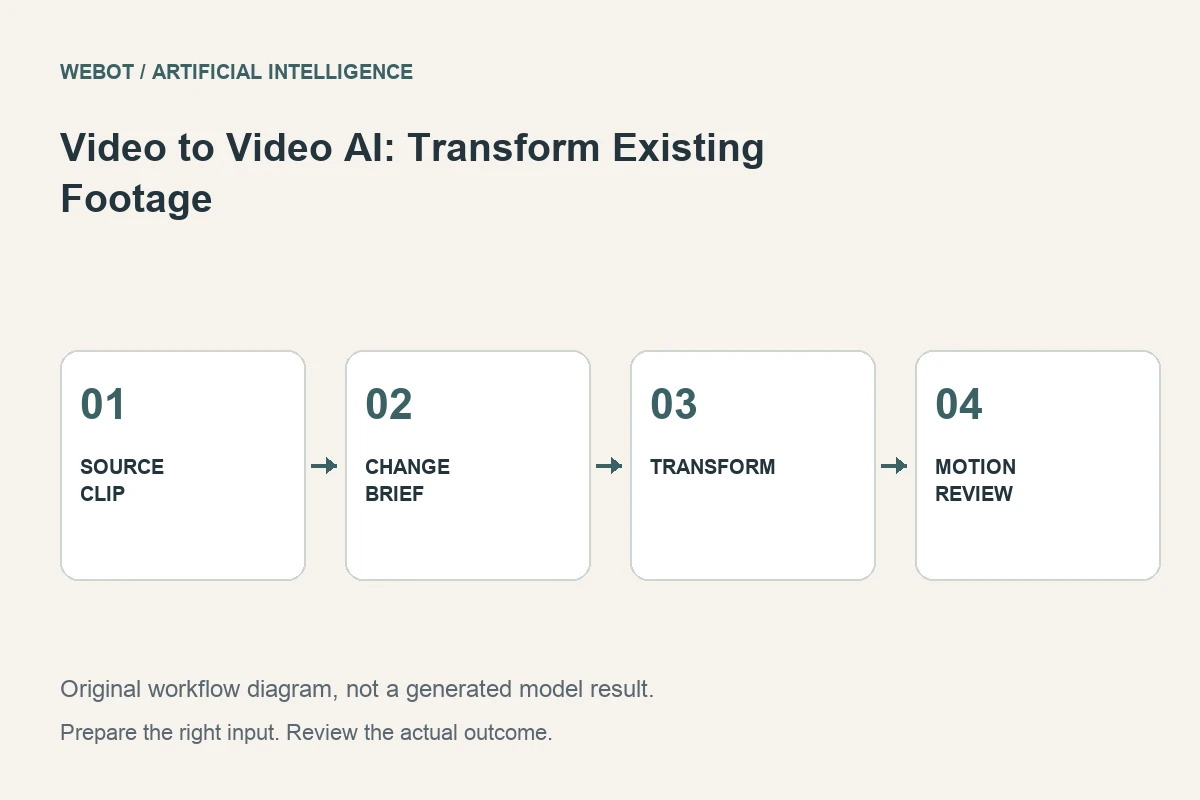
Transform existing footage with video to video AI. Plan controlled edits, preserve motion and identity, compare versions and review a practical workshop example.
Read the guideAI Video
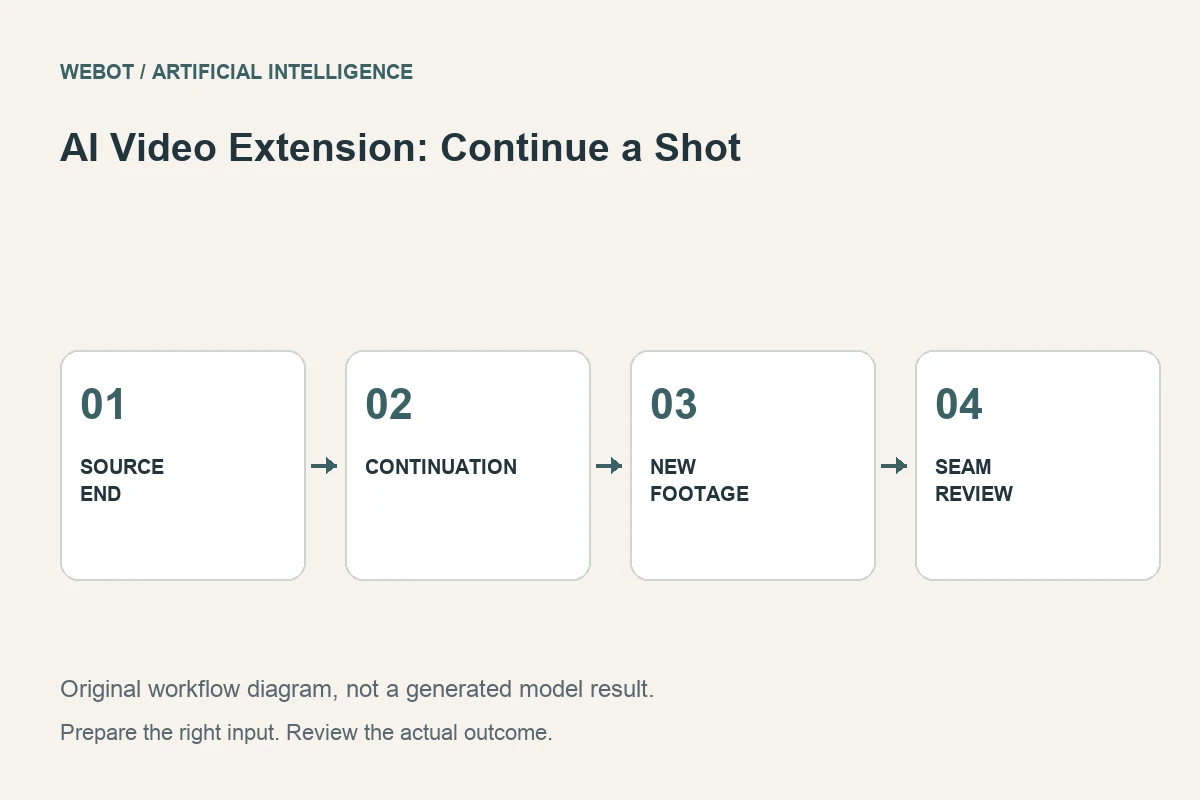
Extend an AI video shot with a coherent continuation. Prepare the source ending, plan motion, inspect the join and decide when a cut works better.
Read the guideAI Video
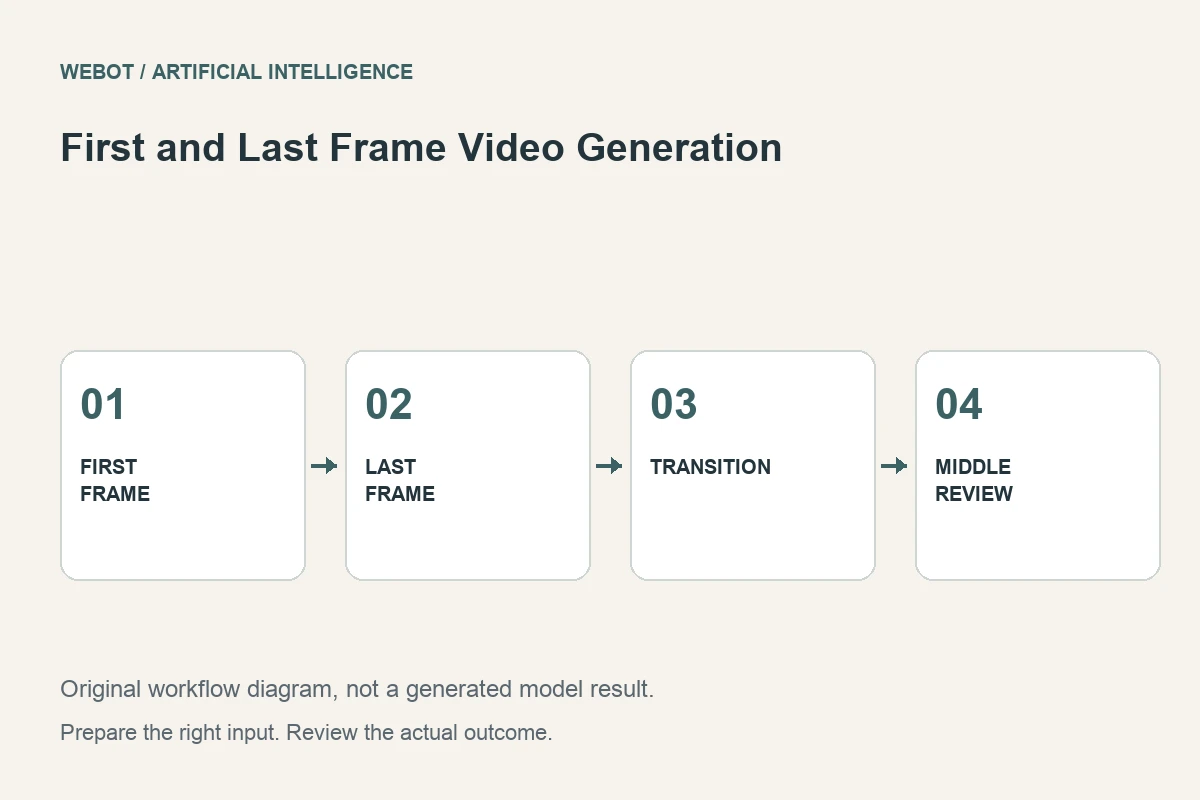
Create AI video between first and last frames. Prepare compatible images, describe the action and inspect the transition through a cabinet-opening example.
Read the guideAI Video
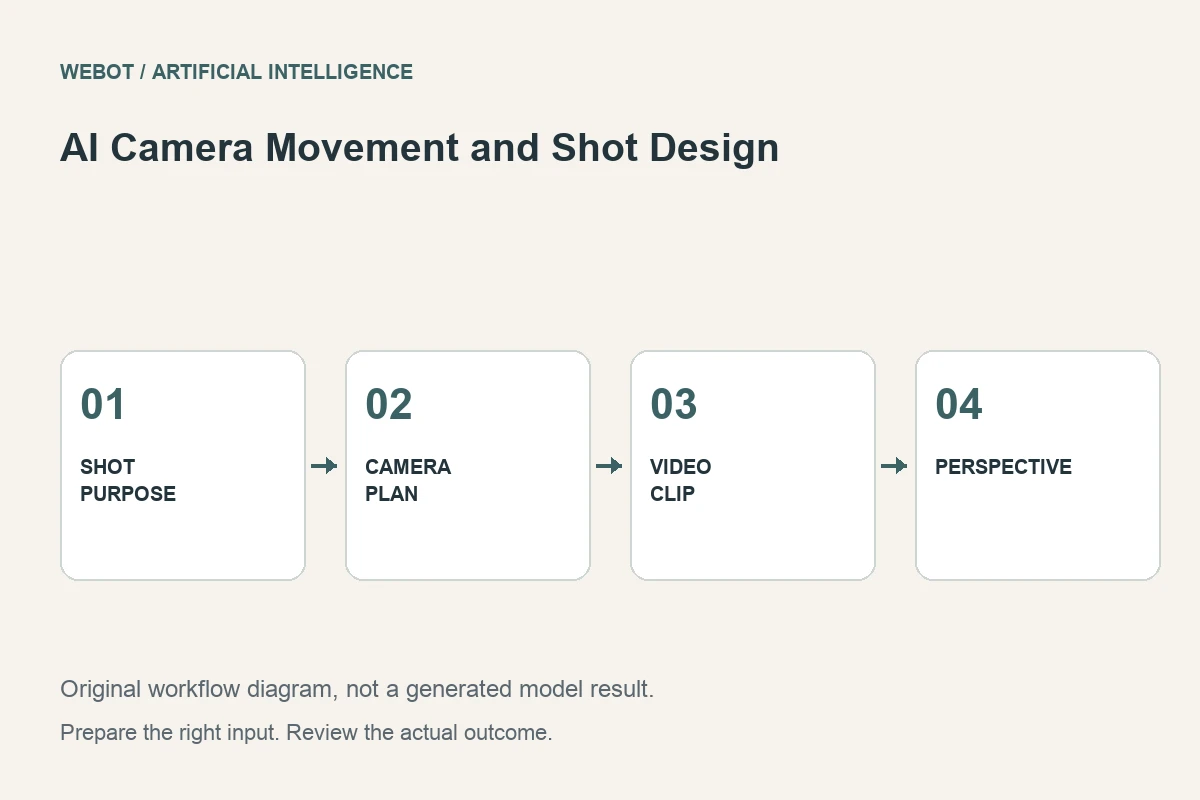
Plan AI camera movement around the purpose of a shot. Compare a push-in, pan and orbit, manage perspective and review a practical product-video brief.
Read the guideAI Video
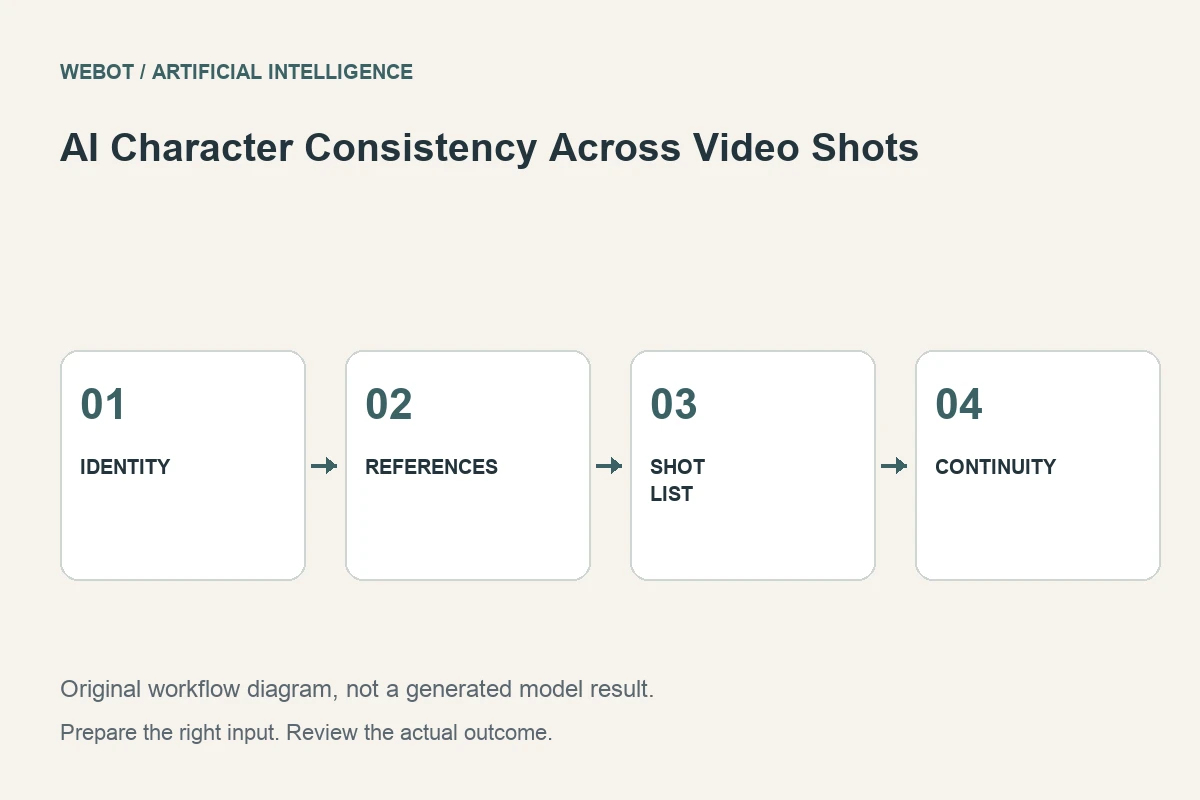
Keep an AI character recognizable across video shots. Build a reference pack, organize the shot list and review face, clothing and continuity changes.
Read the guideAI Video
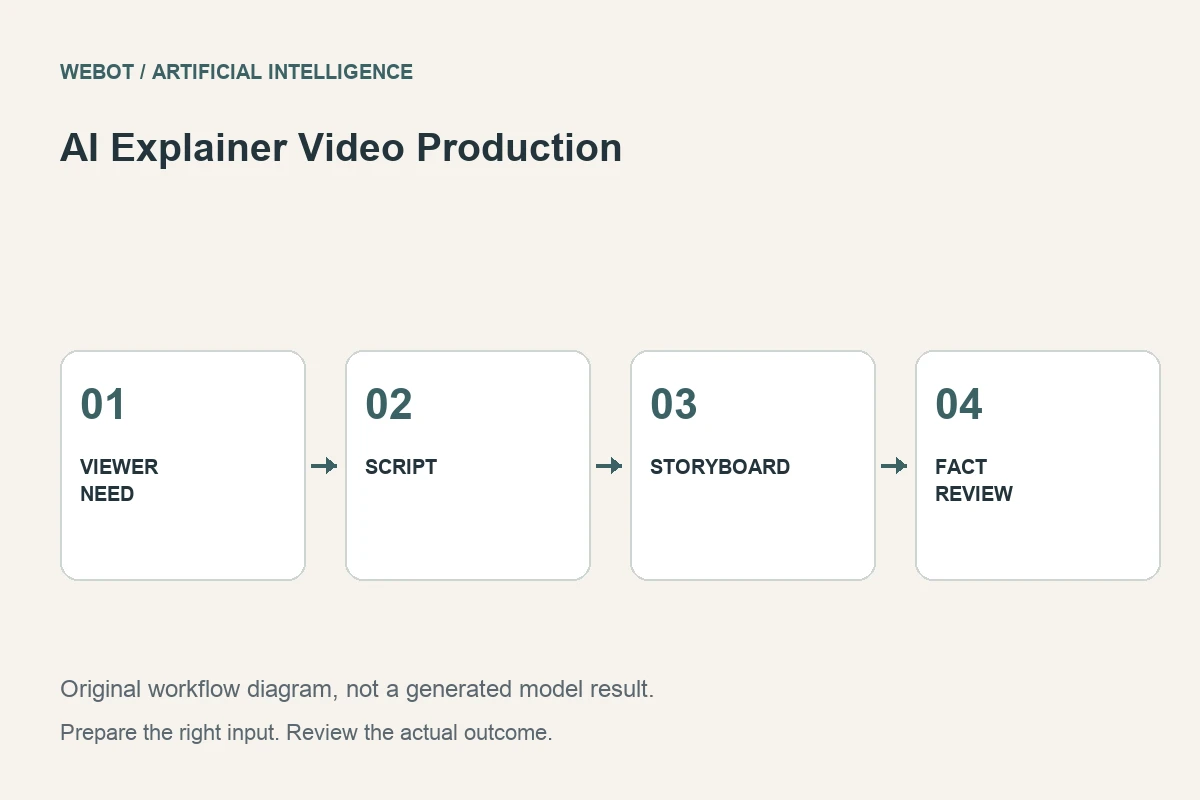
Build an AI explainer video from a clear learning goal. Plan the script, storyboard, visuals, narration and factual review with a practical service example.
Read the guideThe prompts in these articles are illustrative starting points. Actual inputs and settings vary by workspace.