AI Video
First and Last Frame Video Generation
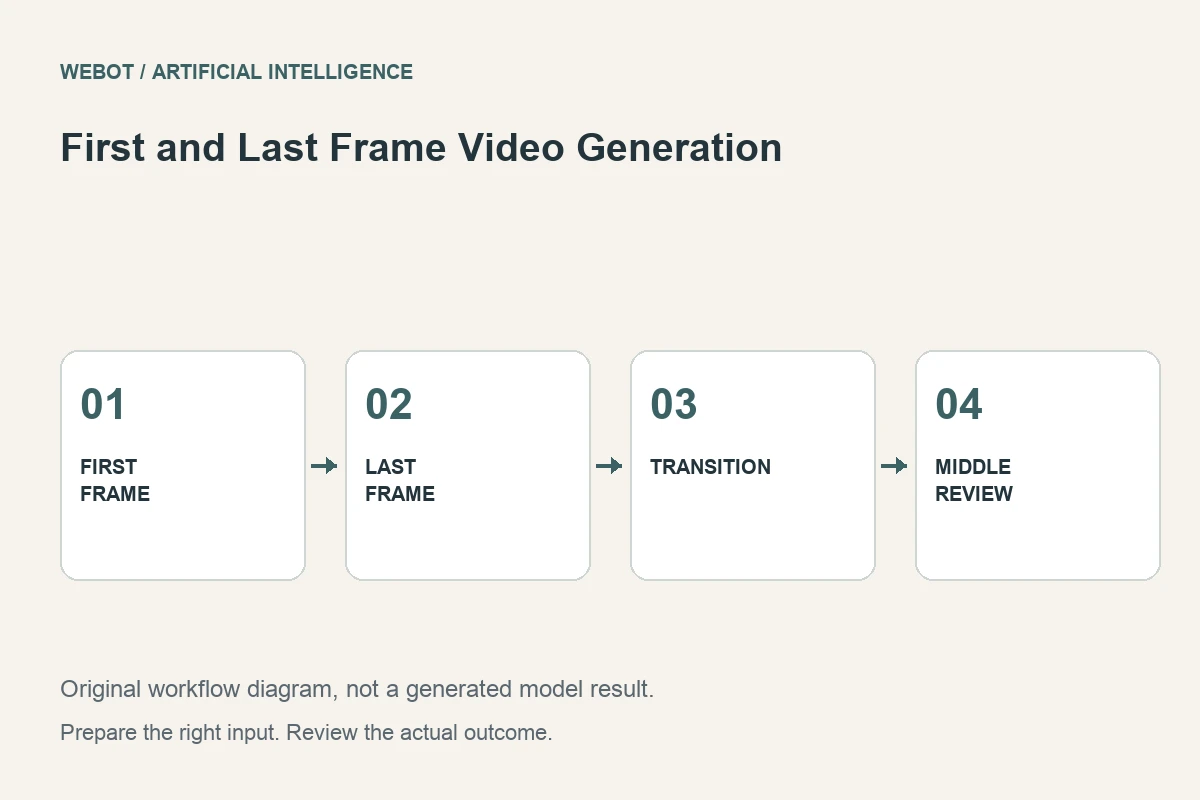
First and last frame video generation uses two images to describe the intended opening and closing states of a clip. A supported model then synthesizes the transition between them. This artificial intelligence workflow gives the creator more visual direction than a text prompt alone, but two convincing pictures do not automatically define a convincing movement.
Imagine a fictional furniture studio showing a closed cabinet and the same cabinet with its doors open. The goal is a short explanatory transition that preserves the design. This guide explains how to prepare compatible frames, describe the movement, inspect the generated middle, and recognize when another production technique offers better accuracy.
1. Treat the images as states, not a complete animation
The opening frame describes where the shot begins; the closing frame describes where it should arrive. Neither one fully specifies the path, speed, or intermediate appearance. Those missing decisions are important. A cabinet could open normally, distort, dissolve, or appear to transform depending on the model’s interpretation and the accompanying instructions.
Write the desired relationship between the frames before generation. In our example, the object remains the same, the viewpoint stays stable, and the doors swing outward. This separates an understandable action from a general visual transition. If the frames depict unrelated objects, decide whether you want a stylized transformation or a realistic continuity claim; the review criteria will be different.
2. Prepare frames that agree on essential details
Compare the images for viewpoint, scale, framing, lighting, object shape, and background. A shift in any of these properties creates another transition the model must invent. If the cabinet is larger in the second image, the resulting clip may need camera movement or a scale change even though you intended only the doors to move.
Use consistent aspect ratios and check the selected endpoint’s specific image requirements. Matching the documented format is only the technical starting point. Visually compare hinges, handles, shelves, and shadows as well. If preparation requires editing one frame, preserve the original and document the change. A contradiction introduced during preparation can later look like a generation error.
3. Verify that the endpoint supports both roles
An endpoint that accepts several images does not necessarily interpret the first two as start and end states. Some workflows use images as general references instead. Read the current input definitions and identify the fields or documented instructions that assign each role. The distinction determines what kind of control the request actually provides.
Provider documentation describes frame-conditioned video capabilities in specific workflows. Use the current WeBot workspace to confirm what is available for your request, including supported duration, resolution, ratio, and audio options. Do not infer a universal control set from a family name. Save the chosen endpoint identity with the input files so another editor can understand how the clip was produced.
4. Describe a physically understandable transition
A possible direction for the cabinet is a steady front view while both doors open gradually outward, revealing the interior shown in the closing image. The cabinet remains fixed and the surrounding room stays unchanged. This explains the intended action rather than restating every visible object in the two images.
Avoid adding contradictory camera instructions or unrelated events. A simultaneous orbit, a room change, and an object transformation make the transition more complex. If those changes are intentional, plan them as such and review them individually. The prompt should communicate which properties remain stable and which ones evolve, rather than assuming that the model will choose the same interpretation as the creator.
5. Inspect the middle, where most ambiguity lives
A clip can begin and end convincingly while failing between those points. Watch the movement for changing proportions, disappearing parts, impossible overlaps, and unstable surfaces. In the cabinet example, inspect the door edges, handles, hinges, and interior as they become visible. A matching ending does not excuse an implausible opening action.
Review at normal speed, then examine the difficult moments more closely. Record a useful observation such as the right door changes width halfway through. That note suggests a specific problem. A general statement that the transition needs improvement does not tell you whether to adjust the input geometry, simplify the motion, change the brief, or choose a different method.
6. Test small changes before multiplying attempts
If the transition is unstable, first check whether the images contain conflicting information. Correcting a viewpoint or object mismatch can be more effective than repeatedly changing descriptive adjectives. If the action remains too complex, reduce the requested movement or divide the story into separate shots with an intentional cut.
Preserve candidate files and their inputs. A revised closing frame changes the experiment, even if the prompt stays identical. Keep those versions paired so you can explain why a later output differs. Generative variation also means that one successful candidate does not establish guaranteed repeatability. Select the clip by its actual behavior, not by an assumption that the settings ought to have produced a correct result.
7. Compare synthesis with precise production alternatives
When a product mechanism must be represented accurately, real footage or a carefully constructed animation may be more suitable. Two still images provide limited information about hidden surfaces and mechanical motion. A generated transition can illustrate a concept without proving how the actual product functions.
For the furniture studio, decide whether the clip is a mood piece or a demonstration. If it implies a verified opening mechanism, check every important detail against the real design. Editing can improve pacing and presentation, but it should not conceal a false mechanical claim. Sometimes the strongest outcome is a clean cut between the two approved images rather than a synthesized movement between them.
8. Deliver the approved transition with its context
Keep both frames, their preparation notes, the prompt, selected settings, and the reviewed clip. Check the exported file in its intended player and layout. If audio is included, listen for unwanted material and confirm that it supports the transition. Label conceptual workflow examples honestly rather than presenting them as tested model outputs.
On WeBot, review the current credit estimate before sending the request and preserve accepted pending jobs through connection interruptions. The essential process is to prepare compatible states, define a clear action, inspect the entire middle, and select a production method appropriate to the claim. First and last frame control is useful direction for a model; the final review establishes whether that direction became a usable video.
Sources and further reading
Put the guide into practice
Browse available workflows, review their supported inputs and choose a workspace for your next project.
Explore AI models