Artificial Intelligence
WeBot Services: A Practical Guide to AI Images, Video, Audio, Agents and Creative Workflows
WeBot brings creative AI workspaces and conversational tools into one website. A visitor can explore available models, compare the kind of material each workflow accepts and prepare a project before deciding what to generate. The useful starting question is not which model has the most impressive name. It is what you need to deliver: a product image, a short video, a spoken explanation, a music draft or an assistant that answers a defined set of questions.
This guide follows a project from its first brief to its final review. It explains public browsing, image and video workflows, audio, agents, plans, credits and the Creative API without treating every task as interchangeable. Available models and settings can change, so the current workspace and its displayed estimate remain the place to confirm a particular job. The examples below are planning exercises, not promises that a generated result will meet every requirement on the first attempt.
1. Begin with the deliverable rather than the model list
Write a short description of the finished object before opening a workspace. A useful image brief might ask for a square product illustration with room for a heading. A video brief might require a single short scene that can sit behind a website introduction. An audio brief might specify a clear spoken explanation for listeners who cannot watch a screen. These descriptions identify the output, intended audience and practical constraints. They make model discovery easier because you can compare the actual task instead of collecting unrelated features.
Keep the acceptance criteria separate from creative preferences. The correct product colour, the permitted use of a photograph and the required aspect ratio may be essential. Warm lighting or a particular camera movement may be preferences that can change. This distinction matters when reviewing results: a beautiful image with the wrong product label still fails the brief. Save the brief with the project so later revisions can be compared against the same requirements rather than a changing memory of what you originally wanted.
2. Explore the public model workspaces as a guest
Public browsing helps you understand the available workflow before committing to generation. On WeBot, guests can explore public creative models, fill inputs and preview selected media. This is useful for checking whether a page expects text, an image, a video, audio or a combination. A workspace is more informative than a model name alone because it shows the fields and supported settings that define the task. Review required inputs and any upload guidance before preparing a large source file.
Preparing an input does not start a paid job. Credit calculation and generation require verified login. When authentication is needed, use the website's shared login flow and then review the estimate and your choices. A login popup on a model playground is intended to preserve the work you have already entered. Successful sign-in does not mean you should assume generation has been dispatched. Check the page, confirm the settings and deliberately choose the generation action when the project is ready.
3. Choose an image workflow that matches the source material
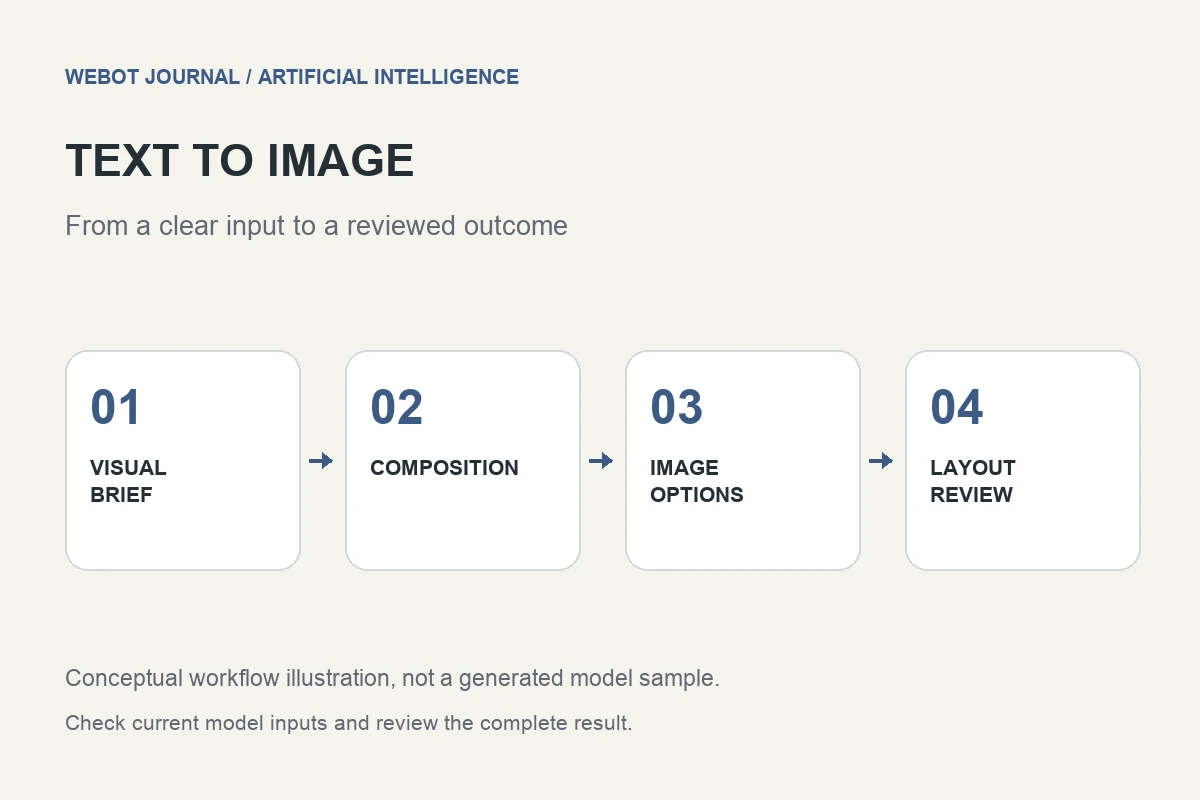
Text-to-image workflows begin with a written description. Image-editing workflows begin with existing visual material and a requested change. Enhancement, background, restoration and other specialist tasks have their own input requirements. The distinction is practical: if preserving a specific product or composition is essential, starting from a suitable reference can be more appropriate than describing everything again. The model page should determine which inputs are supported; do not assume that a workflow accepts every kind of visual control.
For a fictional homeware shop, a sensible first experiment might be one product on a simple background. Keep the subject, viewpoint and lighting stable while changing a single creative choice. This produces a comparison that can inform the next attempt. Upload only material you are entitled to use and inspect the result for unexpected text, altered shapes or missing details. Generation can help create alternatives, but the final image still needs an ordinary visual review against the product and the brief.
4. Write image prompts that leave fewer important decisions unstated
A useful prompt explains the subject, its surroundings and the visual priorities. Instead of asking for a nice poster, describe the object, desired framing, background treatment and intended empty space. Include essential constraints in plain language. If readable wording must appear in the final design, review that wording carefully after generation rather than assuming every character will be correct. A prompt is an instruction to a generative system, not a guarantee that all requested details will be reproduced exactly.
Avoid adding a long list of contradictory style instructions. Asking for a minimal composition, many detailed objects and a large amount of empty space can make the goal unclear. Start with the necessary composition and then add a small number of useful style preferences. Record the prompt that produced each useful result. If the next version changes the lighting, keep the other requirements stable. This makes the experiment easier to understand and reduces the temptation to repeat expensive attempts without learning from them.
5. Review image outputs before placing them in a campaign
Inspect the full image and then look closely at the areas that carry meaning. Product markings, faces, hands, packaging, signage and small decorative elements can change the interpretation of a design. A result may look convincing at thumbnail size while containing a detail that makes it unsuitable for publication. Compare the image against the original brief and source material. Ask whether the output communicates the intended message without implying a product feature, event or endorsement that does not exist.
Think about the final layout as well. An image that works as a large desktop banner may crop poorly on a phone. Test the actual placement rather than judging only the downloaded file. Keep a clear distinction between a creative concept and a finished advertisement. If the design will represent an organisation, use its normal review process for claims, identity and brand presentation. These checks are part of producing a usable asset; they are not replaced by choosing a different model name.
6. Use text-to-video for a clearly described scene
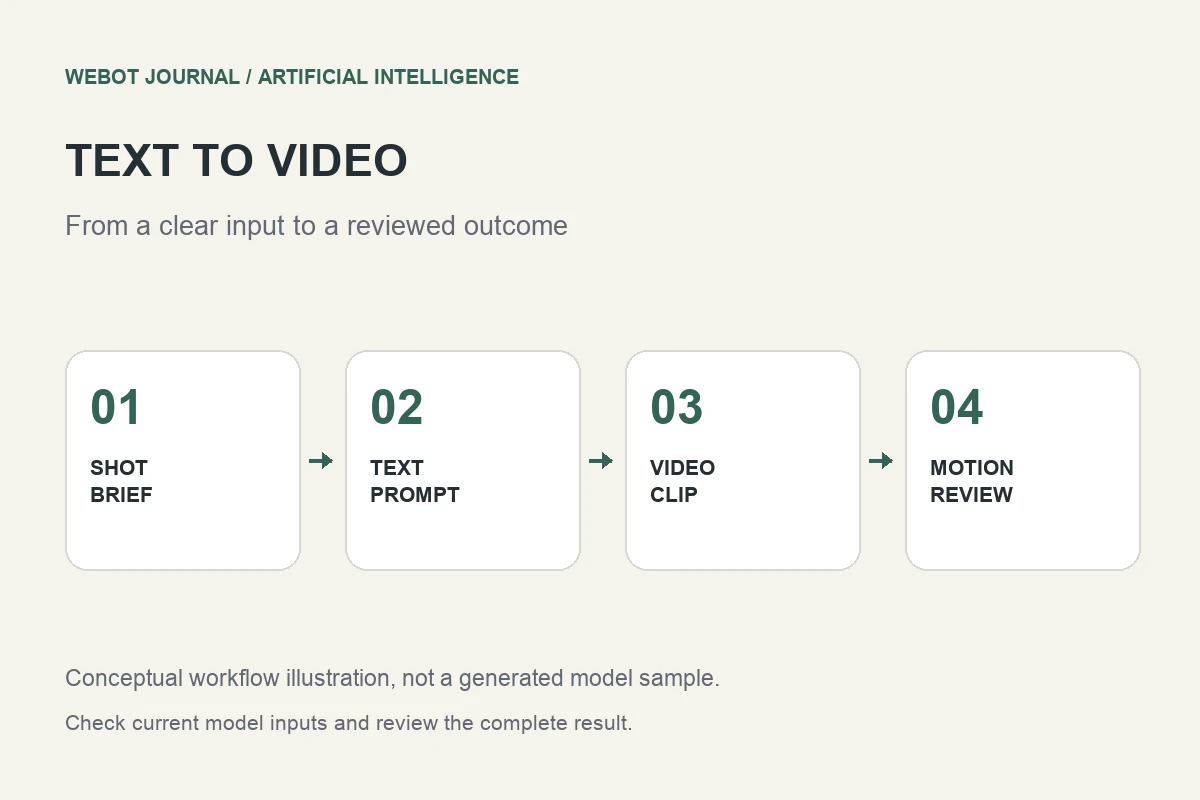
Text-to-video is useful when you can describe the scene you want to create without supplying an initial frame. Begin with one subject and one main action. Specify what should remain stable, what should move and how the camera should behave. A short scene is easier to evaluate when it has a clear beginning and a limited purpose. Trying to fit several locations, a full story and many precise actions into one small clip often makes the intended result difficult to assess.
For example, a fictional café could test a calm close-up of a cup beside a window, with a gentle camera movement and soft morning light. The acceptance criteria might concern the cup's shape, the stability of the scene and whether the clip leaves space for a separate title. Review motion across the whole clip, not just the first frame. A video can begin well and later introduce an unwanted object, abrupt transition or inconsistent detail that makes it unsuitable for the final edit.
7. Use image-to-video when the starting visual matters
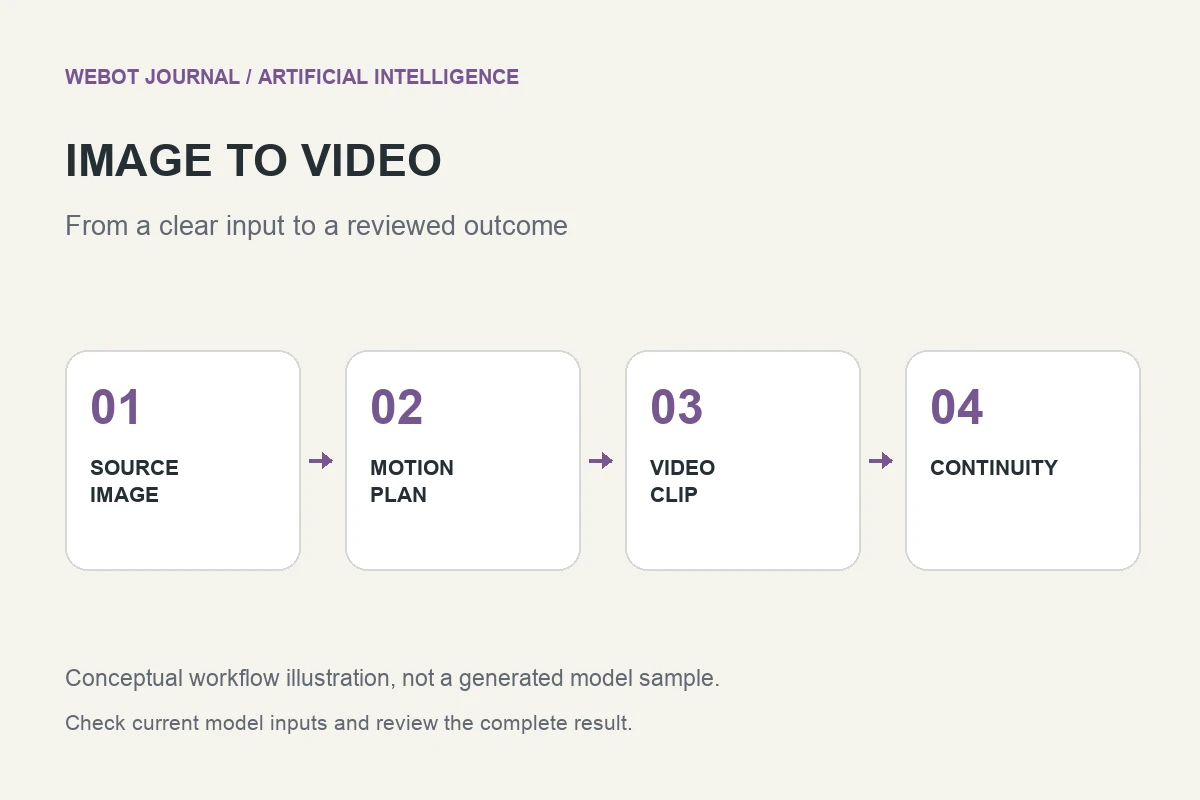
Image-to-video workflows use an image as part of the generation input. This can be useful when a composition, character, product or setting has already been chosen. Prepare a clean source image and describe the movement you want rather than rewriting every visible detail. The exact role of the image depends on the selected workflow, so read the page's input explanation. A reference is guidance, and the resulting video still needs review for changes to identity, geometry, background and motion.
Separate subject motion from camera motion in your planning. A request for a slow camera move is different from asking the subject to turn, walk or interact with an object. If the first experiment changes too many things, simplify it and compare another result. Keep the source image and prompt together in your project notes. This helps explain why a particular clip was selected and makes a later revision more reproducible than trying to reconstruct the original setup from the finished video alone.
8. Treat reference, frame and extension tasks as different workflows
Some video tasks use reference images to guide a scene, some use starting or ending frames, and some continue a supported source clip. These are different creative operations. A reference workflow may help guide appearance, while a frame-based workflow concerns an important boundary image. An extension task begins with existing video and asks for a continuation. Confirm that the selected model supports the operation and source material you have, rather than assuming that similar names mean identical behaviour.
Plan continuity explicitly. If a clip must join an existing edit, note the subject's position, camera direction, lighting and action at the join. Review the transition in the editing context where it will actually appear. An extension that looks acceptable by itself can still produce an awkward cut beside the original footage. Keep the original version available while comparing alternatives. The purpose of generation is to provide material you can evaluate and edit, not to remove the need for continuity decisions.
9. Match the aspect ratio and output settings to the destination
Choose the destination before selecting output settings. A vertical social post, a landscape presentation and a square catalogue image have different layout needs. Changing the crop after generation can remove the subject or make a carefully planned composition unusable. Review the aspect ratios, resolution choices and other settings actually offered by the selected workspace. Supported values vary by workflow, and a setting available on one page should not be assumed to exist on another.
Use a small, purposeful evaluation plan. Decide what you need to learn from an initial attempt and which final requirements can be checked later. This is more useful than automatically choosing the largest available option for every experiment. The displayed credit estimate should be reviewed after the inputs and settings are settled. If a setting changes the output quantity or processing requirements, calculate again as the page requires. Keep the estimate and the intended deliverable in the same decision rather than treating cost as an unrelated afterthought.
10. Separate speech, music and sound tasks
Audio is not one single task. Spoken narration needs clear wording, pacing and pronunciation. Music needs a coherent mood and arrangement. Sound effects need to fit a particular action or environment. Start from the audio category and available workspace that match the purpose. An attractive music clip is not automatically suitable under spoken information, and a clear voice sample does not establish that a long script will sound natural from beginning to end.
A fictional tutorial project might need a short spoken introduction and a quiet background bed. Evaluate those elements separately before mixing them. Check whether the voice is intelligible at the intended playback level and whether the music competes with important words. Keep a written copy of the script and label the audio files by version. Where the project uses a person's voice or recognisable identity, obtain the appropriate permission and review the intended use. Creative convenience does not establish ownership or consent.
11. Prepare scripts for listeners rather than for a page
A sentence that reads well on a screen can be difficult to follow aloud. Shorten long clauses, introduce unfamiliar terms and make the next action clear. Check names, dates, product terms and numbers before generating narration. If a listener must remember a reference number or instruction, consider whether it should also be available in text. Review the audio as a listener would hear it, without silently filling in missing context from the script you already know.
Create a small test passage that includes the difficult parts of the real script. A generic greeting will not reveal whether a technical name or mixed-language phrase sounds right. Listen for meaning as well as sound quality: an incorrect pause can change how a sentence is understood. Revise the wording where that produces a clearer result. Preserve the approved script with the selected audio so future updates do not accidentally restore an older claim or an instruction that has already changed.
12. Define an agent's job before supplying its knowledge
A conversational agent works best when its role is specific. Define who it serves, which questions it should answer and where it should stop. A product-information assistant, an appointment enquiry assistant and an internal knowledge helper have different responsibilities. Write the intended task in terms that can be tested. For example, the assistant might explain published service information and direct a person to the appropriate next step. That is more assessable than a broad instruction to handle everything for every visitor.
Prepare knowledge that is current, organised and suitable for the audience. Contradictory documents make an assistant's task harder, especially when an old price or policy remains mixed with a newer version. Identify which source takes precedence and remove material that should not be shared. Test common questions and awkward edge cases before relying on the assistant. A fluent response is not sufficient evidence that the answer is correct or that the agent has authority to make a commitment on the organisation's behalf.
13. Test agents with ordinary questions and difficult boundaries
Begin testing with realistic enquiries rather than only friendly demonstrations. Ask for a service explanation, an unavailable detail, an ambiguous request and a question outside the agent's role. Compare the answers with the approved knowledge. The goal is to learn whether the assistant gives useful information, acknowledges uncertainty and handles a limit clearly. Keep the test questions and expected outcomes so later changes can be evaluated against the same examples.
Include a handover plan where the workflow requires human attention. A conversation about a complaint, unusual request or missing information may need another process. Define that process before publishing the assistant. Also review the experience on the device and channel where people will actually use it. A voice conversation has timing and interruption needs that a written transcript does not fully capture. Treat testing as a review of the complete interaction, not merely a search for a technically successful response.
14. Understand plans and generation credits as separate decisions
A plan and a generation estimate answer different questions. A plan concerns the account's current subscription or purchase arrangement. A generation estimate concerns the inputs and settings of a particular chargeable task. Read the current plan information and the workspace estimate rather than assuming that one historical purchase covers every future operation. The labels and entitlements shown to the signed-in account are the relevant information for that account's next decision.
Guests can explore plans before signing in. An active paid subscription changes the purchase action shown to an authenticated account, while an expired or cancelled arrangement does not represent the same current entitlement. Purchased credits alone are also a different fact from an active plan. If you are comparing options, write down the usage you expect and the projects you actually intend to complete. This gives the purchase decision a practical basis without relying on a promise that a particular model or setting will remain available indefinitely.
15. Review credit estimates and final adjustments carefully
Before generation, use the authenticated credit calculation provided by the workspace. The estimate reflects the selected task and available pricing information; it should not be treated as a fabricated guarantee about an unknown final result. Some workflows reserve an allocation before dispatch and reconcile the actual charge when authoritative billing evidence becomes available. Read the wording presented by the selected page so you understand what is estimated, what is reserved and what is finally recorded.
Generation usage and purchase taxes are separate matters. The displayed generation pricing and credit deduction exclude purchase taxes; applicable country taxes are additions during plan or credit purchases. Review the checkout summary for a purchase and the owned generation report for a completed task. Do not infer a refund from a slow response, a closed tab or an uncertain connection. If a job remains unresolved, use the account's recorded status and support process rather than submitting an identical chargeable attempt without understanding the first request.
16. Keep the model page open while generation runs
Generation may take time after a request is accepted. Keep the model page open and watch the result area for progress and the saved result. A temporary interruption in the browser connection does not establish that the underlying job failed. The application is designed to deliver saved results through its authenticated event stream. Waiting for that confirmed outcome is different from repeatedly starting the same request because an animation has not finished.
When media arrives, review the actual output. Images and documents should be checked in their completed form, while video and audio should be played through. Browser autoplay restrictions can require a deliberate press of the player control. Keep those controls available during review. If a result does not meet the creative brief, record why before planning another attempt. That note turns an unsuccessful creative experiment into useful information and helps avoid a cycle of repeated generation with no clear change in the instructions.
17. Use the Creative API as an application workflow
The Creative API is relevant when a developer needs a controlled application process rather than a person manually operating a playground. Start with model discovery and the documented input contract. Decide which account owns each request, where uploaded material belongs and how the completed result should reach the application. A successful API connection is only one part of the product. The surrounding system still needs authentication, an understandable user experience and a reliable record of what was requested.
Plan for asynchronous completion and duplicate event handling. An accepted request may finish after the original browser action has ended, and a callback can be delivered more than once. Your application's design should correlate the saved request and owner, verify incoming events and avoid completing the same transaction twice. Follow the current API documentation for supported authentication and delivery details. Keep secrets on the server and use the existing account's authorised operations; a public catalogue is not permission to perform administrative configuration changes.
18. Organise a small campaign as a set of reusable assets
Consider a fictional local business preparing a short announcement. It could begin with an approved message, create one visual direction, animate a selected image and prepare a spoken introduction. Each asset should have a purpose and a review point. The image communicates the subject, the video adds motion and the narration explains the action. Creating all three does not automatically make the campaign stronger; they need to tell the same story and remain usable in the final placement.
Keep a simple project folder with the brief, source material, prompts, selected outputs and final exports. Record which version was approved and what changed between attempts. This organisation helps when a date, offer or product detail needs updating. It also makes it easier to reuse an appropriate asset without accidentally choosing an old draft. The practical value of a platform is easier to assess through a completed, reviewed workflow than through the number of models someone browsed in a single session.
19. Publish with clear descriptions and appropriate context
The finished asset needs surrounding information. A website image should have an accurate description that helps a reader understand its purpose. A video may need captions or accompanying text. An agent needs an understandable introduction to its role. Make the final experience clear for someone who never saw the generation process. Do not require that person to guess which details are illustrative, which are factual and what action they are expected to take.
Review the page on a phone and a larger screen. Check cropping, playback, text size and the placement of important controls. Keep claims consistent with the underlying service or product. If a generated illustration is used to explain an idea, do not present it as documentary evidence of a real event. The final publication should communicate honestly and work for its audience. Good generation is useful raw material; good publishing turns that material into an experience people can understand and act on.
20. A repeatable way to choose the next WeBot task
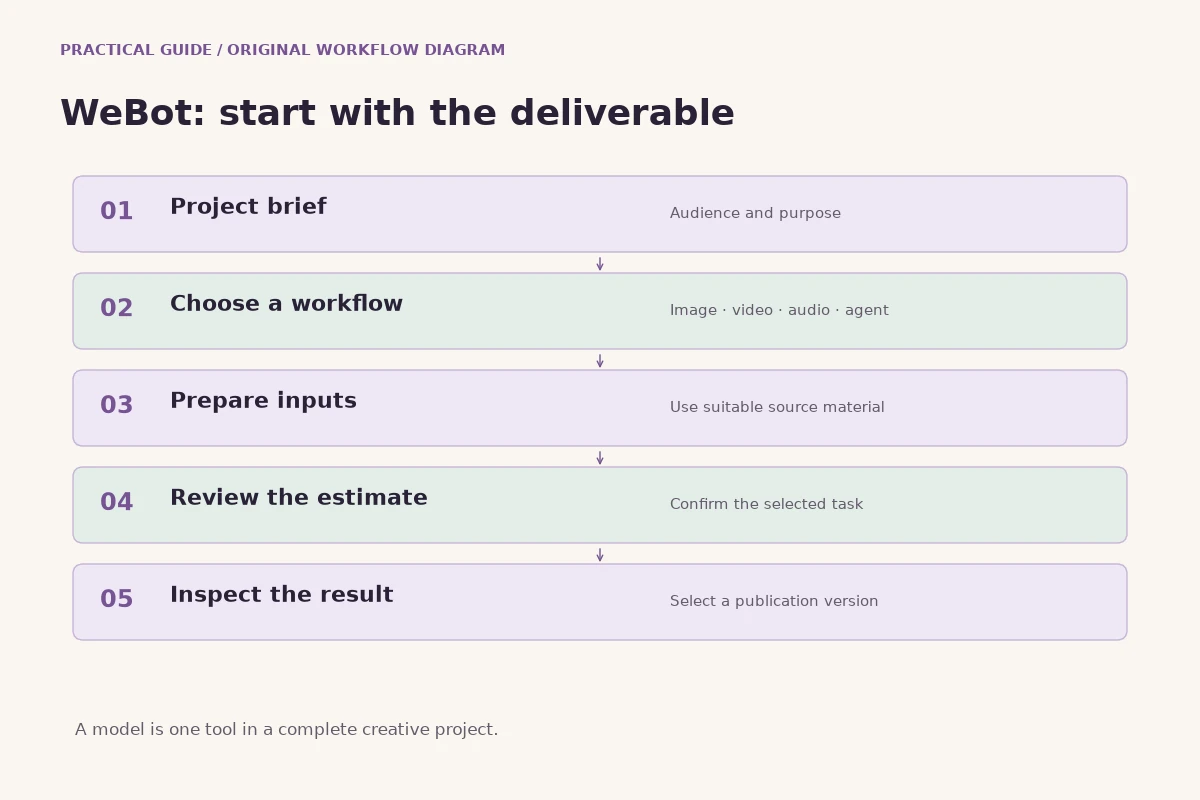
Start the next project with five questions: what output is needed, what source material is available, which workflow supports it, how will the estimate be reviewed and what counts as an acceptable result? Answering these questions takes less effort than repairing an unclear brief after several attempts. It also helps you decide when an existing asset or a simpler manual edit would meet the need without another generation.
Use the public model directory to compare the currently available options, open the relevant workspace and confirm its inputs. Sign in when you are ready to calculate credits or generate, then keep the page open and review the saved result against the brief. For agents and API projects, add a clear role, ownership model and test plan. This approach makes WeBot a practical part of a creative or conversational workflow: a set of tools selected for a purpose, supported by careful review and understandable decisions.
Sources and further reading
Put the guide into practice
Browse available workflows, review their supported inputs and choose a workspace for your next project.
Explore AI models