Information Technology
WhatsApp Messaging App: Clearer Conversations, Safer Accounts and the Right Business Tool
WhatsApp is part of everyday communication for many people, but familiarity can hide important distinctions. A personal conversation, a small shop's business inbox and a software-driven notification system may all appear as messages on a phone. Behind them are different products, responsibilities and expectations. Understanding those differences helps you use the app more thoughtfully and choose a business workflow without buying complexity you do not need.
This guide combines a concise overview of official product descriptions with original practical advice for conversations, files, account safety and small-team use. Features and menu locations can change by release, device and region, so use current official help when performing setup or recovery. The examples describe communication habits and decision-making. They do not promise a particular feature on every account or imply that a message, profile image or business name is proof of trustworthiness.
1. Separate the three product choices
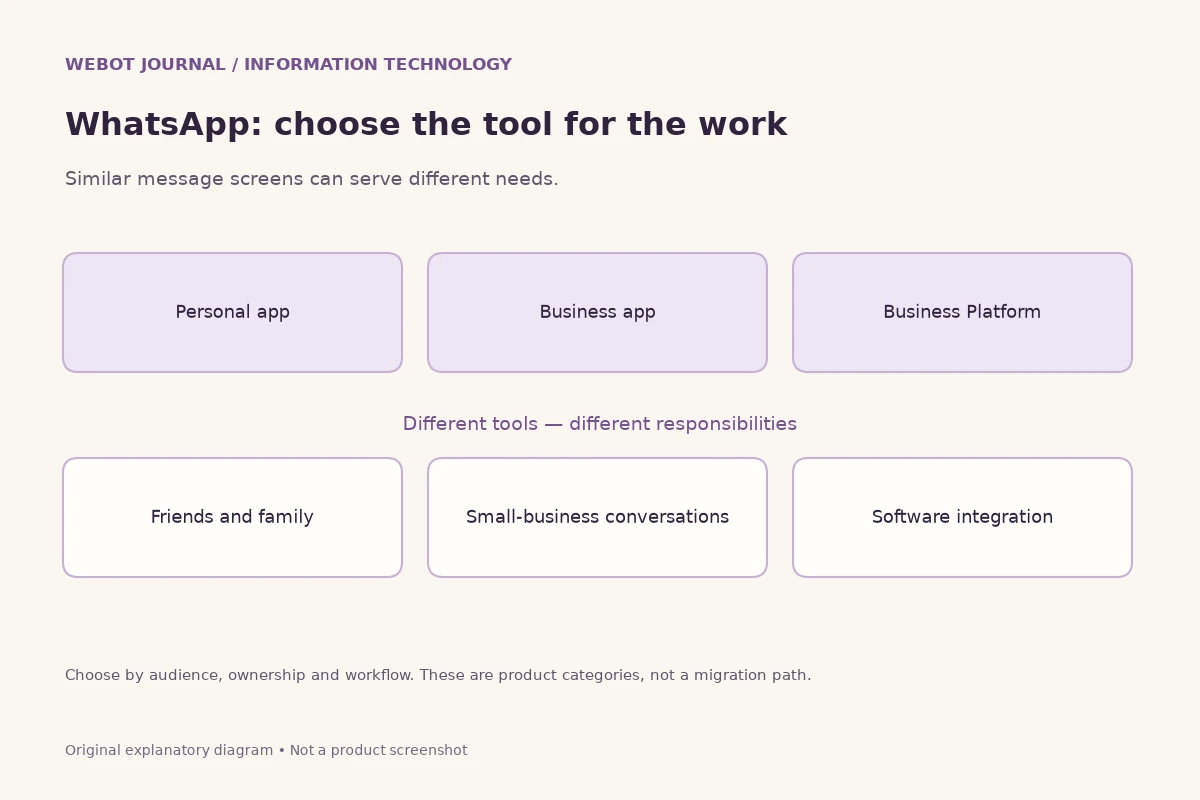
The ordinary WhatsApp app is for personal messaging and calling. The WhatsApp Business app provides tools intended for small-business conversations, such as a business profile and ways to present products and respond to customers. The WhatsApp Business Platform supports software integrations and more structured business messaging. These products share a communication context, but they are not interchangeable ways to obtain the same permissions.
Begin with the problem you need to solve. A family organising a visit needs a conversation, not an API. A shop owner answering a manageable number of enquiries may need a business inbox rather than a development project. A company connecting notifications to an order system needs to evaluate integration and operational responsibilities. Write that need in one sentence before comparing features. It is much easier to make a sound choice when the goal is concrete than when the requirement is simply to use the most advanced version of a familiar brand.
2. Install and update through official channels
Use the official WhatsApp website and the appropriate trusted app distribution channel for your device. An unofficial modification may offer attractive claims, but those claims do not establish safety, support or permission to use the service. Be cautious with forwarded installation files, account-unlock offers and websites asking you to enter a verification code before explaining what they do. A recognisable logo can be copied easily.
Updates can change both behaviour and appearance. When instructions no longer match your screen, check current help rather than granting extra permissions to an unknown application that promises to fix the difference. Keep the device itself maintained as well. A messaging app cannot compensate for an unlocked shared phone, malicious software or a browser extension that can read sensitive pages. Sensible installation habits reduce unnecessary exposure before you send your first important message.
3. Make registration and account access deliberate
Use a phone number you control and follow the official verification process. Do not share registration codes in a conversation, even when a message appears to come from someone you know. If another person says they accidentally sent a code to your number, that is not a reason to forward it. Verification information is part of account access, not ordinary correspondence to be passed along as a favour.
WhatsApp's official security material describes account-protection measures including two-step verification. Check the current settings and help for the options available to you. Keep recovery information under your own control and avoid relying on an employee's personal memory for a business-owned account. If you lose access, use the official recovery guidance; do not pay a stranger who promises privileged access to the service. Account recovery and message-history recovery are different questions, so read the relevant instructions before assuming either outcome is guaranteed.
4. Write for the person receiving the message
A useful message gives its reader enough context to act. Lead with the purpose, include the key detail and make the requested response explicit. Instead of sending several suspenseful fragments, explain the situation in one readable paragraph. A person opening the conversation after a meeting should not have to reconstruct the meaning from a long sequence of isolated words and punctuation.
For practical coordination, name the date, time and location rather than saying tomorrow evening when the conversation may be read later. If participants are in different places, include the time zone. For a decision, distinguish a proposal from a confirmed arrangement. For a task, name the responsible person and the deadline. These habits work independently of advanced features, and they are especially valuable when a conversation includes older relatives, new colleagues or people reading in a second language.
5. Use groups for a defined purpose
A group can coordinate people efficiently when its purpose is shared. A class group might focus on announcements and questions, while a family group may welcome informal conversation. State the expectation early so participants understand what belongs there. Avoid adding people to a sensitive discussion simply because you have their number. Membership exposes information about the group and its conversation to a new audience.
For important decisions, summarise the outcome in a clear message rather than assuming everybody followed the entire discussion. If the decision belongs in a formal record, store it in the appropriate system as well. A lively conversation is not always a reliable project archive. Review current privacy and group controls in the app for your own account, but do not assume that a setting on your phone changes how every other participant stores, forwards or screenshots information.
6. Attach files with enough explanation
A photograph or document should arrive with context. Tell the recipient what it contains, why you are sending it and what you want them to do. A filename such as final-new-latest can become confusing after several revisions. Where possible, use a meaningful name and identify the relevant version in the message. Check the selected file before sending; adjacent thumbnails or similarly named documents can make an accidental disclosure surprisingly easy.
When the content matters, confirm that the recipient can open and interpret it. A scanned form may be unreadable on a small screen, and an image of instructions may omit searchable text. Include essential dates or reference numbers in the written message too. Do not send identity documents or financial details casually simply because the attachment feature makes it convenient. Decide whether the recipient needs the full document and whether a more appropriate controlled process exists for that exchange.
7. Make calls and voice notes accessible
WhatsApp's feature overview includes voice and video calling alongside messaging. A call is useful when people can respond together, while a voice note allows a reply at another time. Ask before starting video if the situation is not already agreed. The other person may be on limited data, in a public place or simply unable to speak. Convenience for the sender should not become pressure on the receiver.
For a long voice note, add a text summary of the main point and any exact identifiers. Names, prices and dates can be difficult to recover from audio, especially in a noisy environment. If a call produces an important agreement, follow with a short written recap. These practices support people with different hearing, reading and connectivity needs without requiring assumptions about a particular automatic transcription feature. Use the tools currently available on the device, and verify important details rather than treating an automatic transcript as unquestionable evidence.
8. Understand encryption in its proper context
WhatsApp describes personal messages and calls as end-to-end encrypted by default. That is a statement about protecting their content between the relevant endpoints. It does not mean that every possible copy of information is inaccessible to everyone else. The person receiving a message can read it and may choose to store or share it. An unlocked device or visible notification can also expose information outside the encrypted transport.
Business conversations need additional attention because the business can process what you send it through its own staff and service systems. Before providing sensitive information, consider who the recipient represents and what their published process requires. Encryption is valuable, but it does not verify the truth of a seller's claim, prevent every scam or determine how a recipient handles a document after receiving it. A careful privacy decision combines technical protection with identity checking and appropriate sharing.
9. Review device access and linked sessions
Computer access can make typing and document work more convenient, but it introduces another environment where conversations may be exposed. Use the official web or desktop entry points and follow current linking guidance. Be especially cautious when a stranger asks you to scan a code for an unrelated purpose. A linking action may grant account access rather than simply verify that you are human or claim a prize.
Review linked access through the current account controls and remove sessions you do not recognise or no longer need. On a shared computer, signing out is different from closing a tab. Lock the operating system when stepping away, and avoid allowing other people to use your open account as a convenient shared inbox. If business staff need shared access, choose a properly governed product and process rather than informally distributing personal sessions without clear ownership.
10. Check backup and transfer instructions before changing devices
Replacing a phone can involve account verification, local device data and backup or transfer mechanisms. Those are related but distinct processes. Read the official instructions for the actual source and destination devices before wiping the old one. Do not assume that successfully registering a number on a new device proves that every old message and attachment has been restored. Verify what matters while you still have a safe opportunity to address missing information.
Think about which records truly belong in a messenger. A critical business agreement or family document may need an organised copy in another appropriate location. Backups also deserve their own security review; transport encryption and backup protection are not identical claims. Check the current settings rather than relying on a tutorial written for another operating system or an older release. A deliberate transition is more dependable than deleting applications repeatedly in the hope that the desired history will appear automatically.
11. Slow down suspicious requests
Scams often attempt to shorten the time available for thought. A message may claim that a relative needs urgent money, an account will be suspended or a delivery requires a small payment. Pause and verify through a channel you already trust. Do not use contact details supplied only within the suspicious message as your independent confirmation. A copied photo, familiar name or plausible order reference can make a false request appear personal.
Avoid sharing codes, passwords or full payment credentials in chat. If a link asks you to sign in, inspect the destination and consider opening the organisation's official site independently. Use the app's current block and report mechanisms where appropriate, and preserve relevant evidence without spreading a harmful link. No responsible guide can promise that a platform will recover every loss. The strongest habit is to verify the request before acting, particularly when the requested action is difficult to reverse.
12. Respect boundaries when messaging customers
Personal familiarity with WhatsApp does not make every customer contact appropriate. A business should explain who is messaging and why, then keep communication relevant to the recipient's expectations. A purchase enquiry should not silently become permission for indefinite unrelated promotions. Maintain an understandable way to stop unwanted messages, and make sure staff know how to honour that request across the systems they use.
Customer conversations also need ownership. If an employee leaves, the business should still know where important records belong and who is responsible for unanswered questions. Avoid keeping essential customer communication solely inside a privately owned personal account. The correct product depends on the scale and workflow, but the underlying principle is consistent: business communication should be manageable by the organisation and understandable to the customer, with access and responsibilities defined before a problem occurs.
13. Evaluate the WhatsApp Business app for a small operation
The official Business app overview highlights business profiles, product presentation and tools for responding to enquiries. For a small operation, those features may support a more organised customer conversation than an ordinary personal profile. Evaluate the current app against your actual workload rather than assuming that adopting a business label will automatically create a complete customer-support department.
Imagine a local craft seller answering questions about available sizes. Clear product information, accurate opening hours and a consistent reply can help. The seller still needs a reliable stock record, a way to confirm payment and a process for returns. A catalogue entry should not promise availability that the business cannot fulfil. Start with the information customers repeatedly ask for, and keep it current. If several people must coordinate complex workflows, examine whether the app and your operating process are sufficient before adding more customers to the same informal arrangement.
14. Know when a software integration is the real requirement
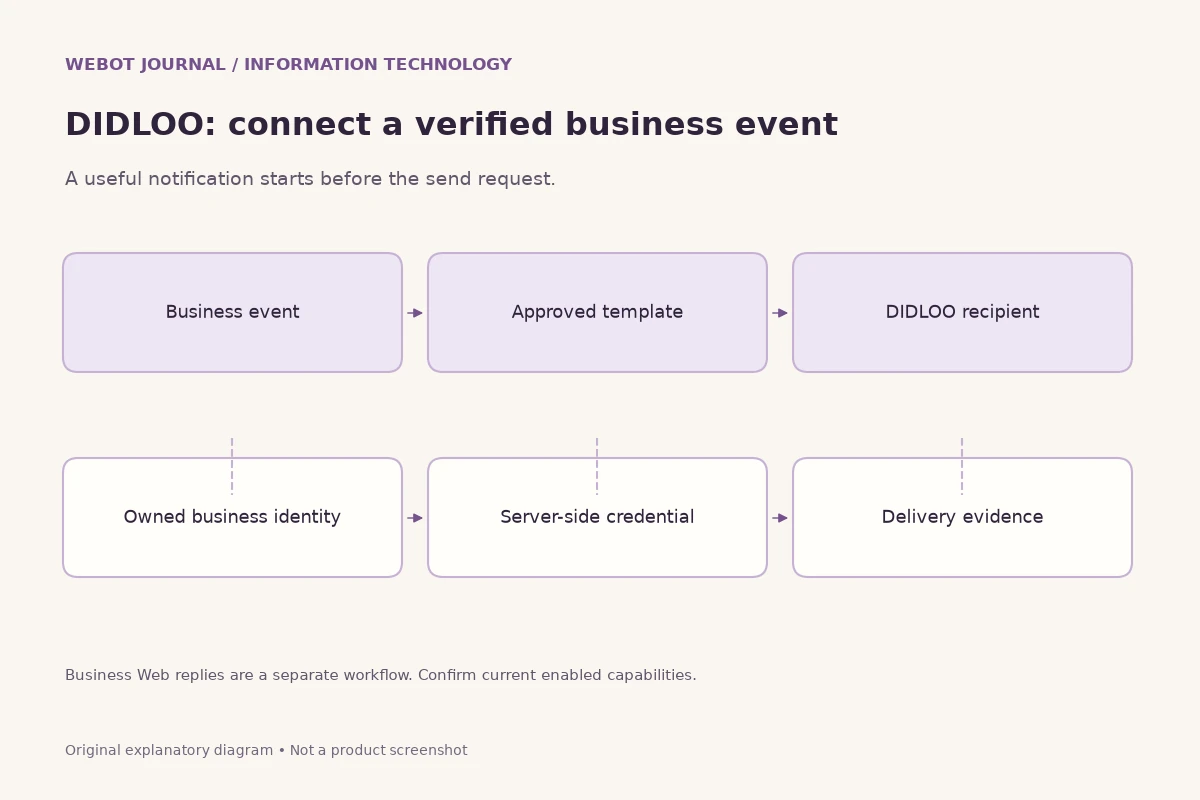
A business may outgrow manual messaging when communication depends on events in other systems. Examples include an order state changing, an appointment being confirmed or an authentication step requiring a code. That is the point to evaluate the WhatsApp Business Platform and its current policies, documentation and pricing. An API is a software interface, not a special version of the personal app that removes communication rules.
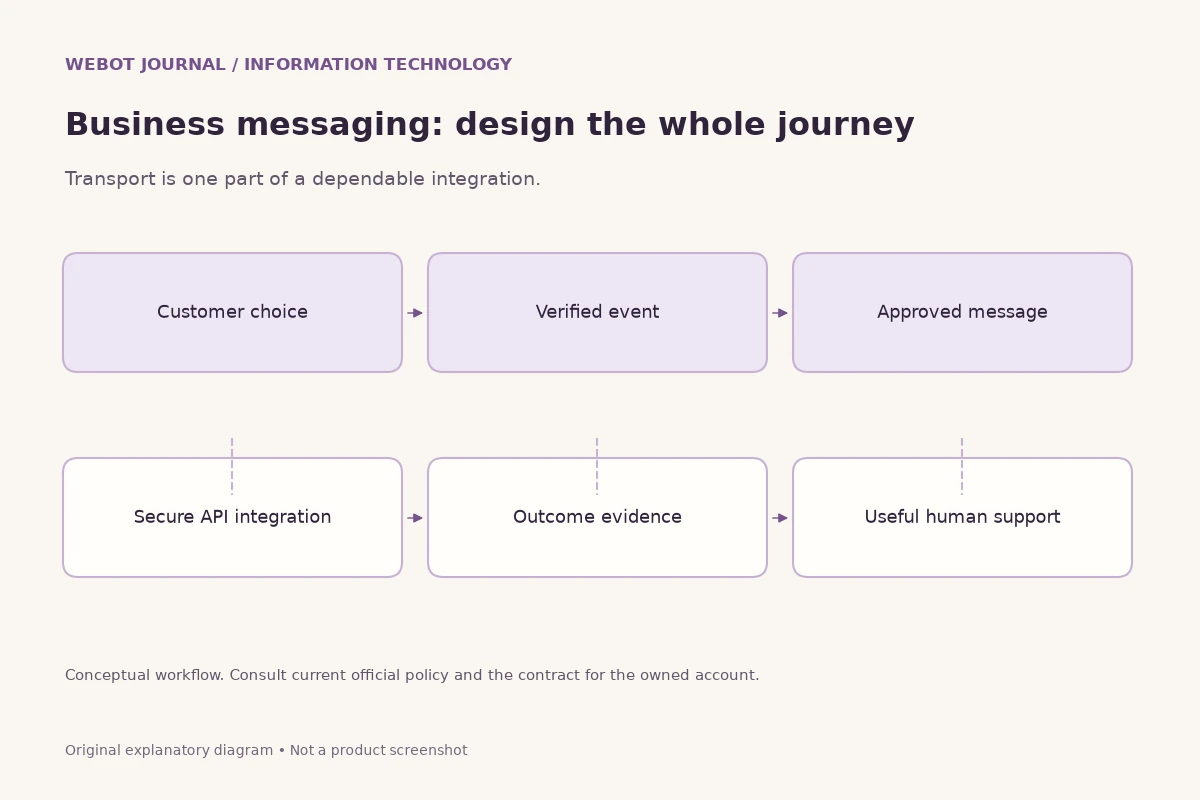
Before commissioning an integration, describe the trigger, recipient, content, permission and expected follow-up. Identify who will maintain credentials and respond to failures. Ask what happens if a request is accepted but the connection drops before your application receives the response. These questions reveal the engineering and operational work hidden behind a simple send-message requirement. A smaller manual process can be appropriate until the organisation is ready to own that responsibility.
15. Communicate clearly across Indian languages
Choose the language that helps the recipient understand the message, rather than assuming everyone prefers English or the language of their phone settings. Keep names, reference numbers and addresses consistent when translating surrounding text. A polite message can still fail if its instructions are ambiguous. For consequential communication, ask a fluent reviewer to check the wording, especially where dates, conditions or payment information could be misunderstood.
Avoid relying exclusively on decorative images containing text. A short written explanation improves readability on small screens and supports people who cannot interpret the image easily. If you use automated translation, distinguish a draft from reviewed wording. The language selector in this journal translates the articles; it does not make a claim about the exact languages or translation features available in every WhatsApp product. Product interface support and editorial translation are separate subjects.
16. Set response expectations that people can sustain
An instant delivery mechanism does not create an obligation for instant human attention. Agree on reasonable expectations within a family, team or customer relationship. A message about next month's event can wait, while a changed pickup location may need direct confirmation. Include the urgency and deadline in the content rather than relying on repeated punctuation or a series of missed calls to communicate importance.
For business use, publish realistic service hours and make urgent alternatives clear where needed. Staff should not have to guess whether an unanswered evening message is an emergency. When a request is resolved, state the outcome so people stop acting on old information. If several channels are involved, tell the customer where the conversation will continue. Clear expectations reduce frustration more effectively than adding another notification sound to a workflow that nobody has agreed to monitor.
17. Troubleshoot with observations instead of guesses
Describe what failed: registration, message delivery, attachment opening, calling or history transfer. Check whether the issue affects one contact or every conversation, and record the relevant device and app versions. Start with reversible checks and current official help. Avoid deleting accounts, sharing codes or installing unofficial repair tools as a first reaction to an unclear problem.
A useful support explanation includes the steps taken and the visible result, with private data removed. One successful retry does not prove a permanent fix, and one failure does not establish a global outage. If the communication is urgent, use an agreed fallback while investigating. Keep any update to the recipient concise and accurate so that troubleshooting does not generate conflicting instructions across several channels.
18. Work through a small-shop example
Consider a neighbourhood repair shop receiving enquiries about collection times. The owner initially answers from memory and sends customers photographs of completed work. As requests increase, confusion develops because different messages quote different opening hours. The first improvement is not necessarily automation. The shop can establish accurate public information, a consistent response and a clear internal record of which item belongs to which customer. That is a communication process that a suitable business tool can support.
Next, imagine that a customer sends a photograph containing someone else's address. The shop should use only what is needed for the repair discussion and avoid forwarding the entire image to an unrelated group. If the customer asks for an update, the staff member should check the actual repair record instead of inferring completion from an earlier promise. The message must reflect the business fact. A polished reply is still misleading if the underlying information is wrong.
Finally, suppose the shop wants automatic collection reminders. The owner should identify the event that makes a reminder valid, the customer's chosen channel and the person responsible for replies. If the workload justifies an API integration, the project now has a concrete purpose. If it does not, a careful manual process may remain sufficient. This example illustrates how to evaluate the tool without treating technical sophistication as an achievement by itself.
The same reasoning applies to a tutor, delivery desk or independent service professional. First make the information and responsibilities clear. Then choose features that reduce a demonstrated source of confusion. Measure whether customers obtain useful answers and whether staff can maintain the process. Do not infer business success from a large count of messages or an attractive automation demonstration alone. Review a few real conversations with authorised staff and identify the specific unanswered questions before changing the workflow again. That gives each improvement an observable purpose.
19. Choose the tool around the conversation
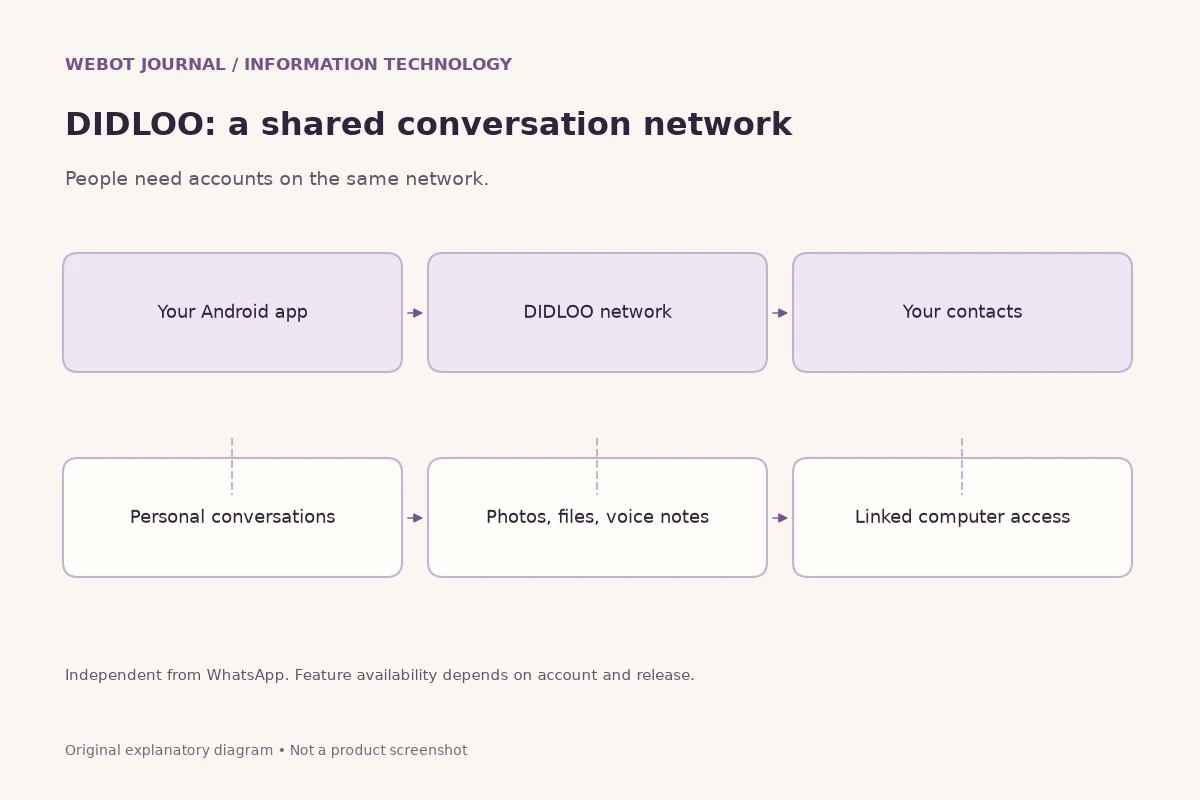
The right choice depends on the relationship and the work. Personal conversations, a small-business inbox and an integrated notification service need different levels of structure. Compare audience access, account ownership, support needs and operational effort. If you are also evaluating DIDLOO, remember that it is a separate network; similar product categories do not allow messages to cross automatically between services.
Finish with a practical decision and review it when needs change. Use the simplest suitable workflow, keep important records organised and teach the people involved how to recognise the legitimate account. Familiarity is useful, but thoughtful habits are what make a messaging tool dependable. Clear content, verified identities and reasonable expectations remain valuable even as interfaces, policies and features evolve.
Sources and further reading
Explore technology and API guides
Compare messaging, creative model APIs, voice tools and communication workflows through the other independent Information Technology guides.
Explore Information Technology