Information Technology
DIDLOO Messaging App: A Practical Guide to Conversations, Media and Everyday Use
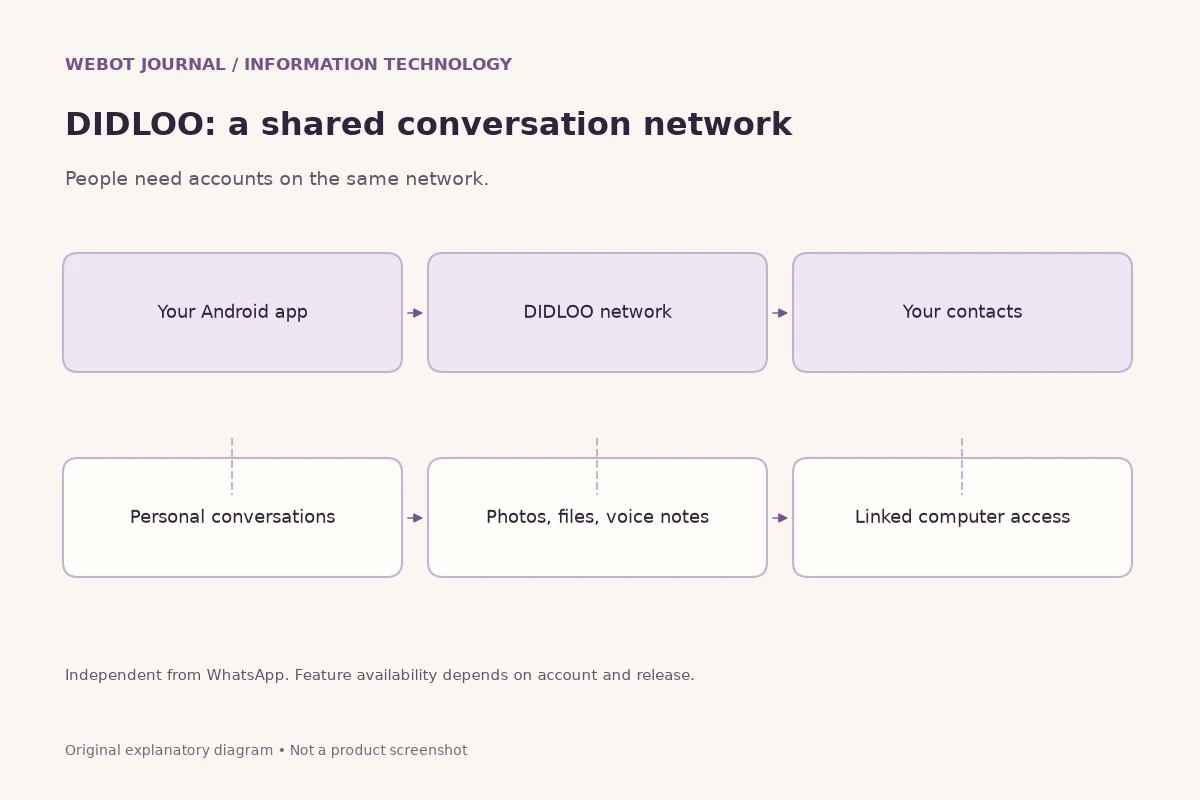
A messaging app is useful when it helps real people finish a conversation with less confusion. That might mean telling a parent that a train has arrived, sharing a document with a colleague, or asking a shop about an order. DIDLOO is an independent messaging platform whose public materials describe Android conversations, media sharing, personal voice and video calls, and linked desktop access. Understanding those capabilities is more useful than treating another app name as a promise that every familiar workflow will transfer automatically.
This guide explains how to evaluate DIDLOO for personal communication and how its business services fit around the app. It also offers practical habits for clearer messages, safer account use and a controlled first trial. Feature availability can depend on the current release, device and account type. The examples here illustrate sensible workflows; they are not claims that every described organisational practice is built into the product.
1. Start with the network your contacts actually use
Messaging depends on shared participation. Installing an application gives you access to its network, but it does not make every phone number on the internet reachable through that network. DIDLOO conversations require the relevant people to use DIDLOO. A number that works in another messenger is not evidence that its owner has registered here. Before adopting a new channel for an important group, ask a few participants to confirm that they can register, find each other and exchange a message successfully.
Choose a small, useful first purpose instead of moving every conversation at once. A family planning a weekend visit might test a shared conversation for directions and arrival updates. Colleagues might exchange one nonconfidential document and confirm that the correct version opens. Give everyone a clear fallback contact method while they learn. This is a practical adoption strategy rather than a product limitation: the purpose is to prevent an unnoticed message from becoming an urgent misunderstanding during a transition.
2. Know what the app and business services are for
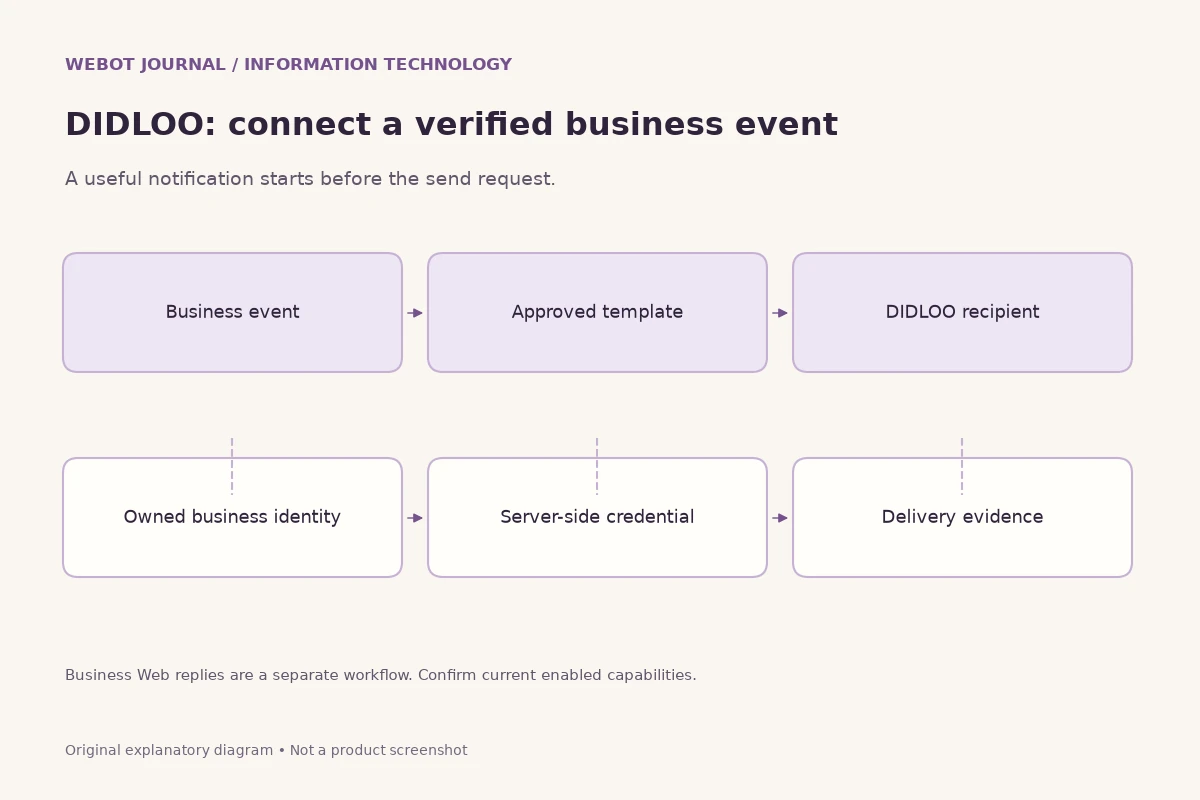
DIDLOO's public description separates personal messaging from business messaging. Personal accounts support everyday conversations, groups, media and supported calls. The Business Messaging API connects approved business workflows to DIDLOO recipients through business identities and message templates. Business Web serves a different customer-service role. These are related parts of the platform, but they do not grant identical permissions just because their names contain the same brand.
A useful mental exercise is to identify who is speaking, who receives the message and what initiates it. A person sending a photograph to a friend is using a personal conversation. A business application submitting an approved transactional template is performing a software integration. A staff member answering a customer through an authorised business inbox is handling service. Keeping these situations distinct prevents accidental promises about personal calling, business automation, reply windows or account eligibility that the current product rules may not support.
3. Use official installation information
Begin with DIDLOO's official Downloads page and follow the instructions offered for the currently supported Android release. Avoid assuming that a similarly named app, search advertisement or forwarded installation file is the correct product. If installation instructions change, the official page is the place to check again. Do not disable device protections simply because an unofficial tutorial tells you that doing so is necessary for messaging.
Before registration, make sure you control the phone number you intend to use and can complete the required verification. Read the permissions requested by the app in the context of the feature you are using. For example, selecting a photo and making a call involve different device resources. An unsuccessful registration should lead to checking connectivity, number entry and official help, rather than repeatedly sharing verification codes with strangers. Neither a helpful friend nor a purported support representative needs your private verification code to explain ordinary setup steps.
4. Establish a recognisable identity without oversharing
A clear profile helps the intended recipient recognise you. Use a name and image appropriate for the audience, and remember that a professional contact may see your chosen presentation differently from a close friend. You do not need to publish a home address, identity document or personal schedule to make a conversation understandable. Recognition should come from an agreed context, not from exposing unnecessary private information.
For important exchanges, verify the person through a channel you already trust. A familiar display name is not proof of identity, and a copied profile picture is easy to misunderstand. If someone unexpectedly asks for money or confidential files, pause the transaction and contact them independently. This advice applies across messaging products. It does not imply that DIDLOO has a particular verification badge, account recovery guarantee or anti-fraud certification; those would need separate current evidence from the platform.
5. Write messages that make the next action obvious
Good messaging starts before any advanced feature is used. Put the purpose early, include the necessary context and specify what response you need. Instead of sending several fragments such as hello, urgent and call me, explain the concrete situation in one readable message. A colleague who sees the notification later should still understand whether the matter is informational, time sensitive or waiting for a decision.
For example, a useful meeting message names the date, location and requested confirmation. A document message says which revision is attached and whether the reader should review or merely retain it. Where timing matters, include the time zone rather than assuming everybody is in the same city. Avoid making essential information available only inside an image or audio clip. A brief text explanation makes the conversation easier to search mentally, revisit and understand in a noisy place or on a limited connection.
6. Keep group conversations understandable
DIDLOO's public materials include group conversations among its messaging features. A group works best when participants understand its purpose and the kinds of messages expected there. A travel group might concentrate on arrangements, while a project group may focus on decisions and deadlines. Communicate that purpose in a welcome message, and avoid treating membership as permission to circulate every participant's information outside the group.
Do not confuse a conversational group with a formal customer-management or task-tracking system. If a decision affects an order, budget or deadline, record it in the relevant authoritative system as well. Important information disappears easily among greetings and unrelated discussion. Summarise decisions clearly and ask the responsible person to acknowledge them. These habits help whether the current app offers particular moderation controls or not; always check the actual interface before instructing people to use an unverified group setting.
7. Share photographs and files with context
Media sharing can reduce a long explanation to a useful example, but an unexplained attachment can create extra work. Tell the recipient what the file contains, why it matters and whether it includes private information. When sharing a photograph of a damaged delivery, identify the relevant item rather than sending a large collection of unrelated images. For a document, give a recognisable filename and a short description of the version.
Check the selected attachment before sending. A gallery thumbnail can resemble another photograph, and a document folder can contain both an approved copy and a working draft. If an image includes another person's address or identity details, consider whether that information is necessary. Availability, size limits and supported formats should be checked in the current app rather than guessed from another messenger. For essential files, confirm that the recipient can open the attachment; successful submission alone does not demonstrate that the contents were understood.
8. Use voice notes and calls considerately
DIDLOO publicly describes voice notes and supported personal voice and video calls. These modes serve different needs. A voice note is convenient when typing is difficult, while a call is useful when both people can participate immediately. Before initiating video, ask whether the other person is available. A ringing device in a classroom, meeting or shared bedroom can be disruptive even when your own schedule feels flexible.
For a voice note containing instructions, add a short text summary of names, dates or reference numbers. Audio is harder to skim, and pronunciation may be ambiguous. During a call, headphones and a quiet environment can improve clarity, but no messaging app can guarantee network quality in every location. If a call concerns an important decision, follow up with a concise written recap. Do not record or redistribute another person's voice or image without an appropriate understanding and permission.
9. Link a computer with care
DIDLOO Web provides linked computer access according to the platform's public description. This can make longer typing and document handling more comfortable. Use the official web entry point and follow the current linking instructions from the app or website. A browser window that resembles the product is not enough to establish that you are using the correct domain. Avoid entering account information through links sent by unknown contacts.
Treat a linked computer as another place where your conversations may become visible. Shared office terminals, borrowed laptops and unattended screens need particular care. Sign out when appropriate, lock the operating system when stepping away and follow the current account controls for linked access. Do not assume that closing a browser tab ends a session. If you suspect a device is no longer trustworthy, consult the official account and session controls instead of relying on an unverified claim that access expires automatically after a fixed number of hours.
10. Understand what privacy claims do and do not establish
Different messaging platforms implement different security designs. A guide should not describe DIDLOO as end-to-end encrypted, independently audited or guaranteed anonymous without authoritative evidence for the exact feature and release. A privacy policy, a secure website connection and a statement about account protection answer different questions. Read current official information and distinguish what is documented from what you merely expect because another product behaves that way.
Your own handling matters even when transport security is strong. A recipient can photograph a screen, a shared computer can expose an open conversation and a forwarded document can reach a new audience. For sensitive organisational work, ask who can access the data, how long it is retained and what rules govern sharing. If those answers are not available, limit the information you exchange until the responsible owner has reviewed the situation. Confidence should come from verified controls and proportionate use, not from a reassuring adjective in a blog.
11. Recognise scams without depending on a badge
Many messaging scams rely on urgency rather than sophisticated technology. An unexpected request may claim that an account will close, a parcel is waiting or a relative needs immediate money. Slow the interaction down. Read the destination of a link carefully, and confirm the request through contact details you obtained independently. Do not send a verification code, password or full payment credential in response to a chat message.
For a suspicious business conversation, compare the identity with the organisation's official website or an existing customer record. A logo and a polite message do not establish authority. Keep useful evidence of the interaction without spreading the suspicious link to everyone you know. Use whatever reporting and support mechanisms the current product actually provides. This is general protective practice, not a claim that a particular account has been reviewed or that the platform can recover every lost payment.
12. Make conversations work across languages and abilities
An Indian audience may use several languages within one household or workplace. Ask which language the recipient prefers, and avoid assuming that the language of their phone interface matches their reading preference. When a message contains an address or reference number, preserve the exact identifier even if the surrounding explanation changes language. Automatic translation, where used outside or inside a workflow, should be reviewed before it carries a consequential instruction.
Readable text also helps people using assistive technology or small screens. Keep paragraphs short, explain abbreviations and include text alongside important images. A decorative poster is not a substitute for a clear appointment time. Do not infer that this journal's language selector means the DIDLOO app has identical interface translations or built-in live translation. The article translations and the product's language features are separate capabilities, each requiring its own evidence.
13. Introduce DIDLOO to a small team
A controlled team trial needs a purpose, an owner and a way to judge success. Choose a modest activity such as coordinating a workshop rather than immediately moving confidential customer service. Confirm that participants know how to install the official app, recognise the intended accounts and exchange the required message types. Record questions about device compatibility or account setup so they can be answered consistently rather than through repeated individual guesses.
Evaluate the trial with concrete observations. Did the intended people receive and understand the information? Could a new participant follow the conversation? Was the fallback channel needed? Avoid inventing adoption percentages or delivery guarantees from a handful of successful messages. If the team needs structured business identities, approved notifications or customer-service workflows, investigate the separate business products. Personal messaging should not quietly become an uncontrolled shared account for employees handling business records.
14. Keep personal and business account choices deliberate
DIDLOO's public business information warns that changing between app and business number use requires intentional account steps and does not merge history. Do not delete an existing account as an experiment simply because a tutorial suggests that one number should work everywhere. Read the current requirements first, understand the consequences and ask the responsible account owner to decide. An ordinary blog guide should never turn an exploratory comparison into an irreversible migration instruction.
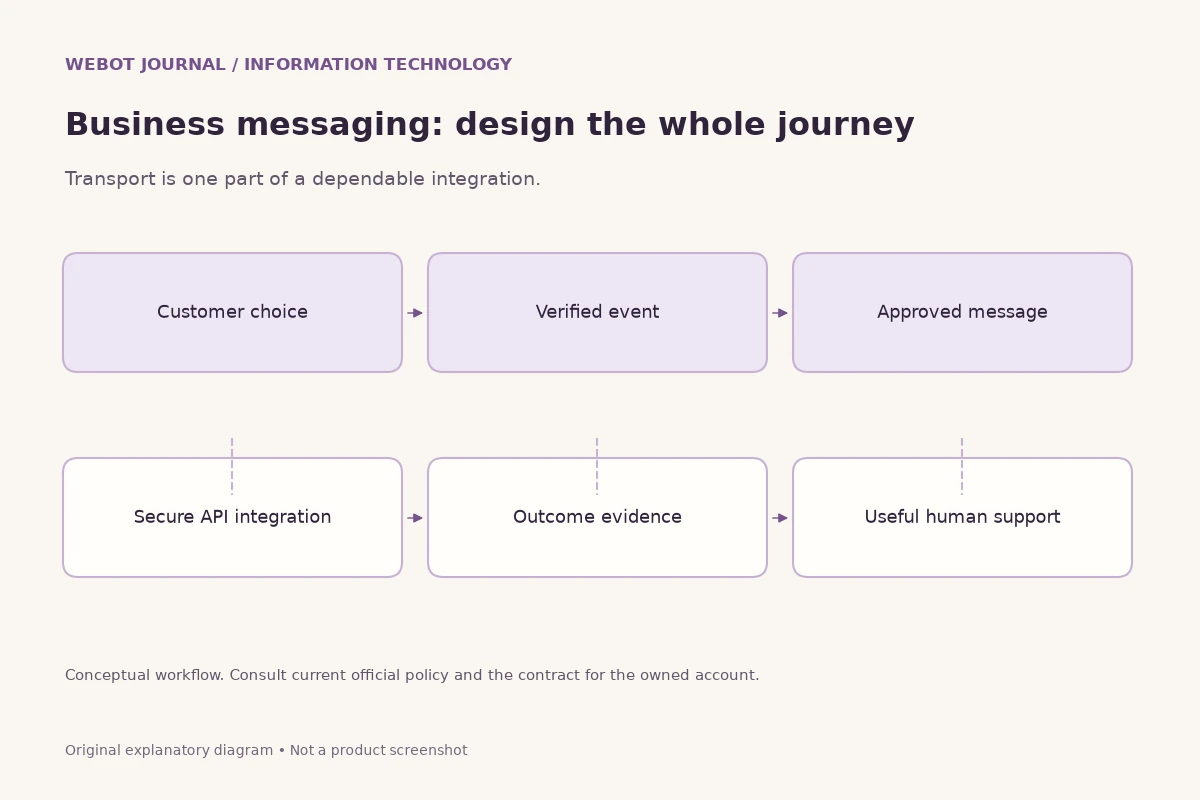
For a business evaluating the platform, map the intended customer journey before selecting the identity. Where will customers discover the number? Which staff should answer? What messages need templates, approvals or credits? Which records must remain in the business system? These questions help distinguish a casual conversation tool from an operational messaging integration. They also prevent the mistaken assumption that an employee's personal account can automatically provide every permission available to an approved business account.
15. Troubleshoot one layer at a time
When something does not work, describe the symptom before changing settings. Registration failure, an attachment that cannot open and a call with poor sound are different problems. Note the device model, app version, connection type and approximate time without collecting private conversation contents unnecessarily. Check whether the problem affects one contact, one file or every interaction. This simple separation makes an official support request more useful than saying that the entire app is broken.
Try reversible checks first. Confirm that the connection works, the intended recipient is on the correct network and the selected file is available locally. Review the current permissions relevant to the failing feature. Avoid repeatedly deleting the account, clearing all data or reinstalling before understanding what information might be lost. If you seek help, describe the steps that produced the problem and remove phone numbers or personal documents from screenshots. A support discussion should improve understanding without becoming another place where confidential material is unnecessarily copied.
An intermittent problem deserves careful wording. One successful retry does not prove a permanent repair, and one failed message does not establish a platform-wide outage. Keep the observations separate from your explanation. If urgent communication is affected, use the agreed fallback channel and tell the recipient where to respond, so that troubleshooting does not create two contradictory conversations.
16. Treat messages as communication, not a complete archive
A chat history can be convenient for remembering what was discussed, but important records deserve an intentional home. A business decision may need to be stored in a project system, while a family travel document may belong in an organised folder that its owner can find later. Decide who is responsible for keeping the final version. Do not assume that every device, linked session or future account change will preserve exactly the same historical material.
Before any device replacement or account change, consult current official instructions about the information that can be retained and the steps required. Avoid promising automatic transfer of another messenger's history into DIDLOO. The public product description does not advertise that as a supported migration. Similarly, an ordinary screenshot is not a complete or authoritative export: it can omit context, reveal unrelated information and become difficult to manage as a collection grows.
For a shared project, a short decision log often works better than searching through weeks of discussion. Record the agreed action, responsible person and date in the appropriate system, then use messaging for coordination. This does not require a special DIDLOO integration. It is a general information-management habit that keeps a useful communication channel from becoming the only fragile copy of something important.
17. Set expectations about availability and response time
Messaging makes sending easy, but it does not make another person continuously available. Agree on reasonable response expectations for your context. A neighbourhood group may tolerate next-day replies, while a time-sensitive pickup needs an explicit confirmation and a fallback call. State deadlines in the message itself. Silence can mean that somebody is busy, disconnected or unsure what response you need; it should not automatically be interpreted as agreement.
For teams, decide which issues belong in messaging and which should use an emergency or formal support process. Avoid turning a casual personal channel into an expectation that employees must monitor it all night. When an item is complete, say so clearly so others do not keep acting on an outdated request. If plans change, send the updated decision with enough context to distinguish it from the earlier one.
These practices improve trust independently of specific notification settings. Check the current app for the controls it offers, and allow people to manage their own attention. A clear conversation includes not only the information being sent but also a shared understanding of when a response is expected and how urgent matters will be handled if that response does not arrive.
18. Compare alternatives with a real checklist
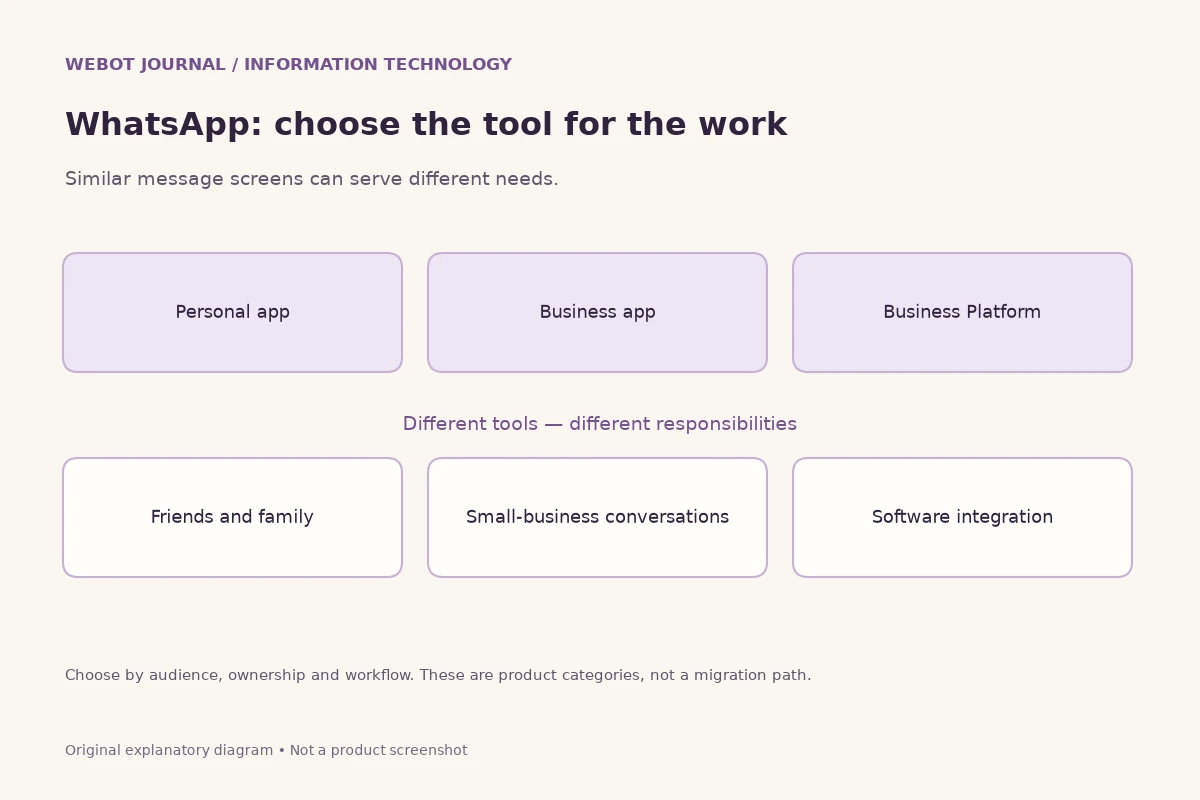
The most useful comparison begins with your audience rather than a universal winner. Confirm contact availability, device support, everyday message types, account controls, desktop needs and the quality of current help material. If your main requirement is business automation, evaluate that separately from personal chat. DIDLOO and WhatsApp are independent networks; neither the similarity of their broad purpose nor the presence of a Business API creates cross-network message delivery.
Finish your evaluation with a small documented decision. State the purpose for which DIDLOO worked, the questions still open and the fallback arrangements for important communication. Revisit the decision when product releases or audience needs change. There is no need to claim that one app replaces every other service to explain a useful role for it. A thoughtful choice combines verified capabilities, respectful messaging habits and people who actually want to participate in the same conversation.
Sources and further reading
Explore technology and API guides
Compare messaging, creative model APIs, voice tools and communication workflows through the other independent Information Technology guides.
Explore Information Technology