AI Images
Image to Image AI: Controlled Visual Changes
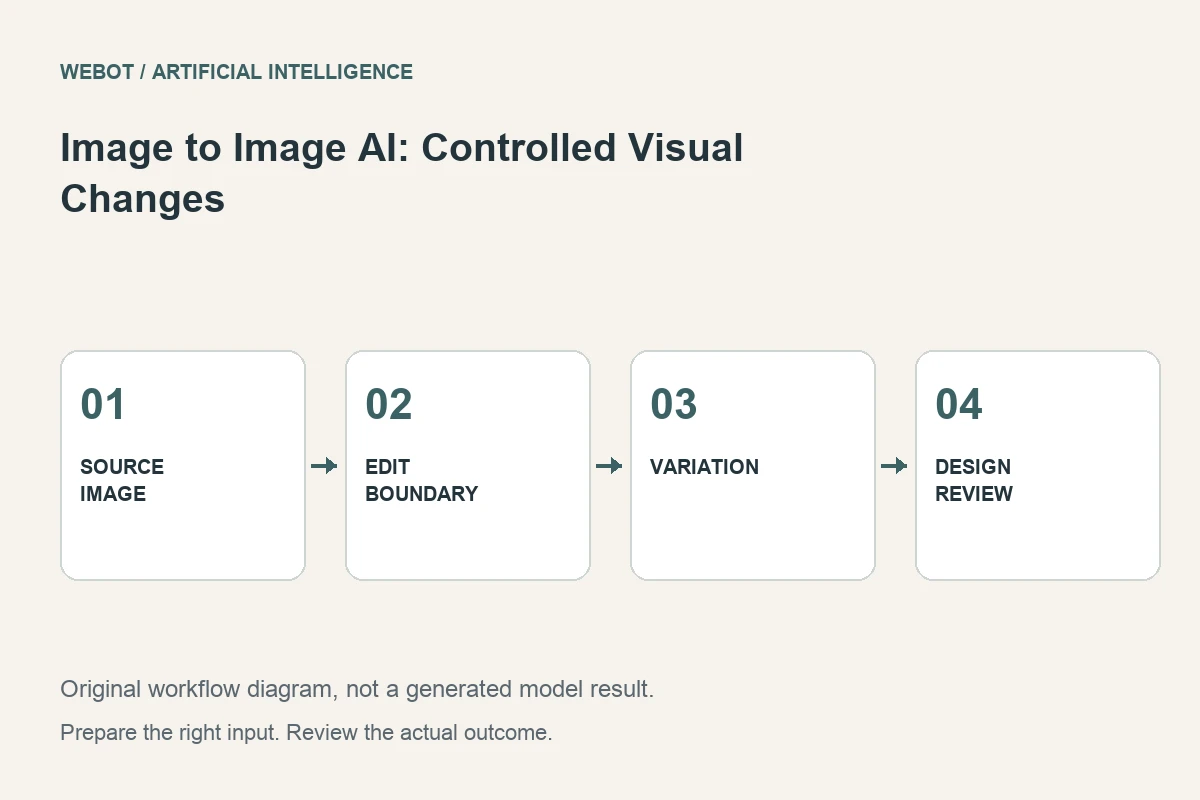
Image to image artificial intelligence uses an existing visual as input to a new image-generation or editing workflow. It can help explore a different treatment, adjust a scene, or develop a concept while retaining some relationship to the source. The important question is which relationship the selected model actually supports, not simply whether it accepts an image upload.
Imagine a fictional homeware studio exploring alternative presentations of a chair design. The silhouette should remain recognizable, while the room and visual mood can change. This guide explains how to express those priorities, prepare a suitable source, evaluate the output, and avoid treating an attractive variation as proof that every original detail survived.
1. Separate the intended change from the protected details
Write two lists before choosing a model. One describes what may change: wall color, room styling, lighting mood, or illustration treatment. The other identifies essential properties such as the chair’s proportions, materials, leg arrangement, and product label. These lists give the reviewer a practical standard instead of a vague request for a better picture.
Different workflows preserve different things. A broad image transformation may interpret the source more freely than a targeted editing operation. If only one small region needs changing, an inpainting workflow or a conventional edit may be more suitable. Choose the task according to the permitted change rather than assuming that every image-conditioned model behaves like a precise layer editor.
2. Prepare a source that communicates the design
Inspect the image for clarity, perspective, occlusion, and accidental defects. A chair whose legs are hidden by other objects gives limited information about the protected structure. If you have an accurate clearer view, it may be a stronger starting point. Keep the original separately from any prepared crop or cleanup version.
Consider the framing of the final use. A website hero image and a product card require different space around the subject. If the source needs cropping or expansion, identify that as a preparation step and review it independently. A problem already introduced during preparation should not later be misdiagnosed as a model’s failure to preserve the original design.
3. Describe the edit as a relationship to the source
A useful instruction might ask for the same chair in a simple sunlit reading corner, preserving its visible silhouette and material appearance while changing the surrounding room. This explains which parts should remain stable and which parts can be synthesized. The prompt is a creative direction, not a guarantee of exact preservation.
Avoid contradictory instructions such as preserving a finish while also replacing every material. If the design itself needs revision, say which property is allowed to change and review the result as a new concept. Clear intent helps distinguish a successful design exploration from an unsuccessful attempt to represent the original product accurately. Those are different outcomes, even when both produce appealing visuals.
4. Read the actual conditioning controls
Check the current endpoint’s supported fields, input formats, size requirements, and optional controls. Some systems expose a strength or guidance parameter; others use different mechanisms. A label shared by two models does not establish identical behavior. Read the documentation for the specific workflow rather than transferring a numeric setting from an unrelated tutorial.
Use WeBot’s current workspace to verify availability and the inputs relevant to your request. Provider catalogues help research possibilities, but they do not establish that every provider feature is exposed in the platform. Save the selected workflow identity and settings with the source image. That record makes later comparisons understandable without inventing guarantees about reproducibility or model quality.
5. Review the subject before the atmosphere
Compare the output with the protected-details list. Check the chair’s proportions, joints, legs, seat shape, and relationship to the floor. A beautiful room can distract from a changed product. Review at the intended display size and at a closer scale where structural errors become visible.
Then assess the scene: light direction, shadows, scale, reflections, and whether the new environment supports the communication. Keep structural accuracy and mood as separate review categories. A concept image can tolerate invention that a product listing cannot. Document the intended use so someone later reusing the asset understands whether it was approved as an illustrative concept or as a representation of the actual design.
6. Revise based on a specific mismatch
If the chair changes shape, simplify the requested transformation or select a workflow better suited to local edits or references. If the room is wrong but the chair is acceptable, adjust the scene direction rather than rewriting the entire brief. If a small defect can be corrected precisely in an editor, compare that option with another generation.
For the chair project, a new crop that hides the legs also removes evidence needed to judge their preservation. Version the source, prompt, settings, and output together. A changed crop or new reference can materially affect the result even when the text stays similar. Keep notes describing the hypothesis behind each revision. This is a disciplined editorial comparison, not a claim that the same inputs always produce identical pixels. Select a candidate by the actual visible outcome.
7. Finish accurate graphics and delivery details separately
Add exact product specifications, prices, logos, or promotional text in a dependable layout system when precision matters. Review typography and placement against the final image, especially after resizing or cropping. A generated scene should support the message without requiring a viewer to overlook a false product detail.
Export in a format suited to the destination and verify color, dimensions, transparency if relevant, and compression. Open the exported file rather than approving only an editor preview. Keep the generated source distinct from the final designed asset so an updated price or headline does not require reconstructing the entire production from an ambiguous folder of image versions.
8. Choose synthesis only where it serves the brief
Image to image can be valuable for visual exploration, campaign concepts, and scene variations that tolerate synthesis. For exact product representation, a conventional composite or accurate photography may remain the better choice. The decision should follow the protected properties and intended claim, not the novelty of the tool.
On WeBot, inspect the current credit estimate before generation and preserve accepted pending requests during temporary connection problems. A successful workflow begins with an explicit edit boundary and ends with an image that passes the relevant review. Artificial intelligence supplies a candidate transformation; the production process establishes whether that transformation is useful, accurate enough for its purpose, and ready to publish.
Sources and further reading
Put the guide into practice
Browse available workflows, review their supported inputs and choose a workspace for your next project.
Explore AI models