AI Images
AI Image Upscaling and Detail Recovery
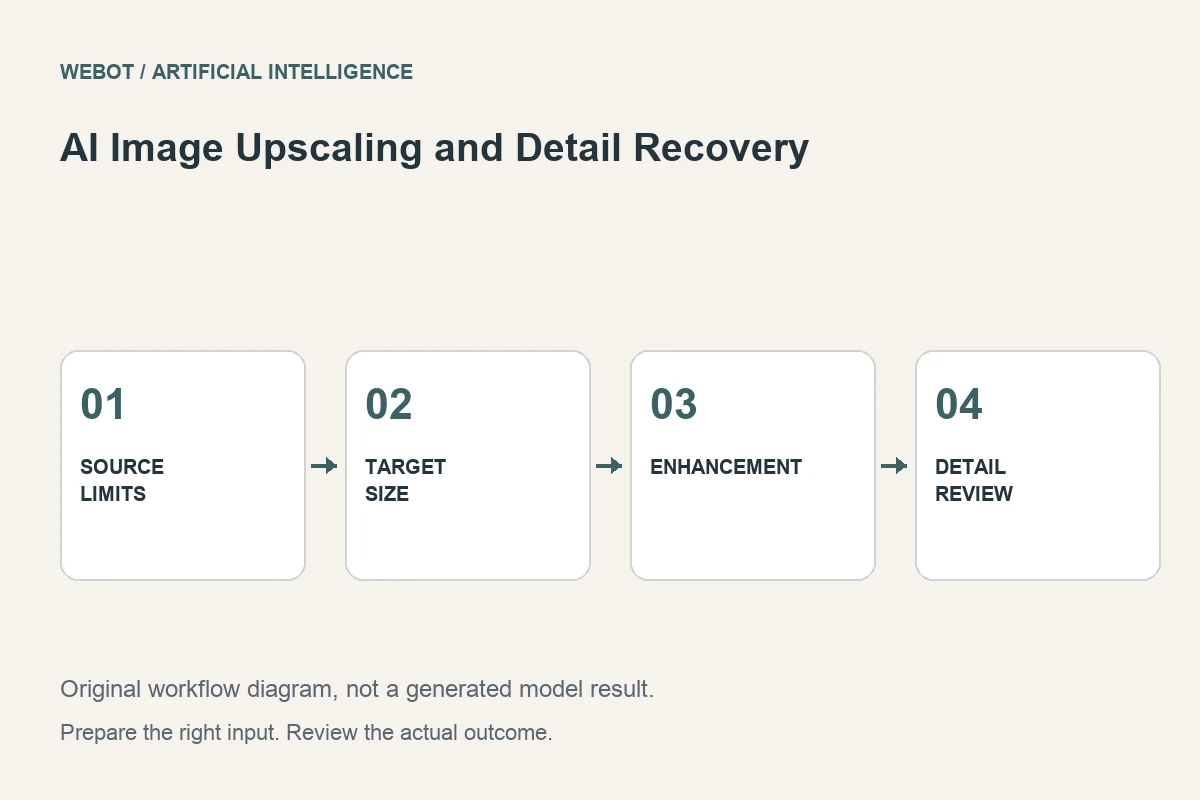
AI image upscaling produces an image with more pixels and may synthesize additional detail based on the source. It can improve the usability of a small asset, but a larger output is not automatically a more accurate record. Distinguish visual enhancement from recovery of information that the original file actually establishes.
Imagine a fictional museum preparing a small photograph of an object for a larger educational panel. The image needs to remain recognizable and avoid misleading detail. This guide explains source assessment, scaling decisions, model controls, review at the intended size, and the situations where obtaining a better original is more valuable than producing a larger generated file.
1. Define the real output requirement
Start with the destination dimensions and viewing context. A small website thumbnail, a presentation slide, and a printed panel place different demands on the image. Determine whether the problem is insufficient pixel dimensions, compression damage, blur, or an unsuitable crop. Upscaling alone does not solve every one of those issues.
For the educational panel, the object’s shape and visible surface features matter more than invented decorative detail. Write an acceptance brief that reflects that purpose. A visually dramatic enhancement can be inappropriate if it makes an uncertain mark appear definite. Choose success criteria before viewing candidates so the biggest or sharpest-looking version does not automatically win.
2. Inspect the source before choosing a method
Check focus, noise, compression blocks, edge clarity, and the amount of real detail present. Keep a copy of the original and investigate whether a higher-quality source already exists. A better photograph or original export can provide information that no enhancement model can verify from a damaged file.
Note the source’s weak areas. Fine lettering, patterned surfaces, faces, and repeated structures can become plausible but inaccurate when reconstructed. These areas deserve targeted review. If the image contains essential factual information, preserve the uncertainty rather than treating a model’s confident reconstruction as evidence. The source defines what is known; the enhanced output is a new processing result that must be evaluated.
3. Separate resizing from synthesis
Conventional resizing changes pixel dimensions through defined interpolation methods. AI enhancement may infer textures or edges that fit learned patterns. Both can be useful, but they answer different needs. A modest conventional enlargement may be sufficient for a layout, while a creative image may tolerate more synthesized detail.
Choose according to the intended claim. An illustrative background can be reviewed mainly for visual coherence; an archival object image may need stricter fidelity. If you compare methods, use the same source and destination size. For a fair panel comparison, place both candidates at the same printed dimensions with the same surrounding caption and viewing distance. This makes the decision about the actual educational use rather than an unequal on-screen presentation. Otherwise, differences in viewing scale can make one candidate appear better simply because it is displayed differently, not because it provides a more useful or more faithful result.
4. Verify current controls and accepted inputs
Read the selected endpoint’s input requirements and the meaning of its scaling or enhancement options. A numerical scale factor, a target size, and a detail-strength control are different concepts. Do not assume that a larger setting always produces a better result or that similarly named controls behave identically across models.
In WeBot, inspect the actual workspace and current availability before preparing requests. Provider documentation helps research options, while the active integration defines what you can submit. Save the model identity, source, and selected settings with each candidate. This record is useful for later review without creating an unsupported promise that a rerun will produce exactly the same pixels.
5. Review at the intended display size
Place the upscaled image in a representative layout and inspect it at the scale the audience will see. Extreme zoom can exaggerate harmless texture differences, while a tiny preview can hide visible defects. Begin with the real use, then examine specific areas more closely where the brief requires precision.
Compare edges, proportions, surface patterns, text, and meaningful object details with the original. Look for halos, ringing, repeated artificial texture, invented marks, and excessive sharpening. A crisp edge around an incorrect feature is still incorrect. Record which improvements are helpful and which changes introduce uncertainty, rather than reducing the entire decision to a single impression of sharpness.
6. Treat text and small symbols as critical checks
Generated reconstruction can make small lettering or symbols look legible without establishing that the interpretation is correct. Verify essential wording against an authoritative source. If the original text cannot be read reliably, an enhancement should not silently settle the question through a plausible guess.
For the museum example, a label or inscription may need a separate verified transcription beside the image. Keep that explanatory text distinct from the processed pixels. The same principle applies to product model numbers and technical diagrams. Upscaling can support presentation, but it should not convert uncertain visual evidence into an apparently verified statement simply because the output looks clearer.
7. Revise according to the actual defect
If the result looks overly textured, test a more restrained enhancement or another suitable method. If halos dominate the edge, compare a different scaling approach. If structural details change, return to the source and consider whether a better original is necessary. Repeating an aggressive enhancement is unlikely to establish factual accuracy.
Keep candidate versions and their review notes. A different crop or preprocessing step changes the input, so preserve those decisions too. Select the result that best satisfies the destination and fidelity requirements. The preferred candidate may be less dramatic than another option while still being more useful, easier to read, and more honest about what the original image contains.
8. Deliver the asset with a clear processing record
Export the chosen file in an appropriate format and verify dimensions, compression, and color appearance in the destination application. Preserve the original and record that enhancement was applied. If the image serves educational or documentary purposes, make relevant limitations available to the team responsible for captions and reuse.
Check the current credit estimate before a WeBot request and keep accepted pending jobs recoverable through temporary connection problems. Good upscaling begins with a specific output need and ends with a reviewed image that meets it. More pixels are a technical property; useful detail and faithful communication require a separate judgment grounded in the source.
Sources and further reading
Put the guide into practice
Browse available workflows, review their supported inputs and choose a workspace for your next project.
Explore AI models